Medal.tv Alternative for Twitch VOD Clips
Compare Medal.tv and FragCut by workflow: live PC recording during games, or post-stream Twitch VOD clipping for Shorts, TikTok, and YouTube.
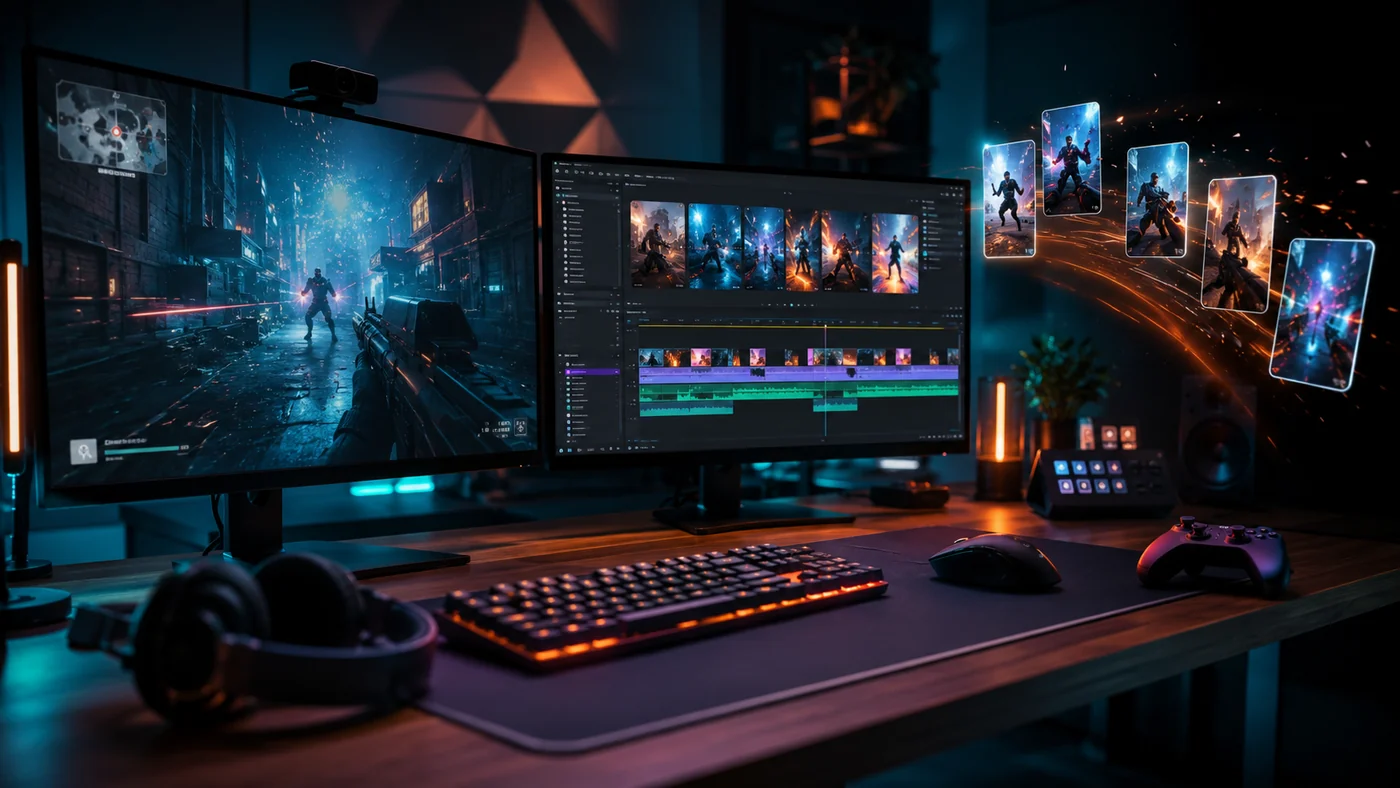
If you are looking for a Medal.tv alternative for Twitch VOD clips, start with where your footage comes from. Medal.tv records gameplay while you play. FragCut works after the stream, using your Twitch VOD to help find moments worth turning into Shorts, TikToks, Reels, or YouTube clips.
So the choice is not simply Medal or FragCut. Use a desktop recorder when you need a replay buffer during a match. Use a Twitch VOD clipper when the stream already captured the gameplay, voice, chat timing, and reaction you want to edit.
Quick Decision: Medal.tv Alternative by Workflow
| Workflow | Better fit | Why |
|---|---|---|
| You want to save the last 30 to 120 seconds during ranked games | Medal.tv or another recorder | The footage is captured locally while the match is happening. |
| You finished a Twitch stream and need clips from the full VOD | FragCut | The VOD is already the source, so post-stream review matters more than live recording. |
| You want local backup files for tournaments or scrims | Recorder-first workflow | A local recorder protects you if the stream drops or the VOD is muted. |
| You need to sort a three-hour stream into short-form posts | Twitch VOD clipper | The bottleneck is finding and trimming moments, not capturing them. |
| You play off stream most of the time | Medal.tv, Steam, or NVIDIA | No Twitch VOD exists for FragCut to process. |
| You stream often and also want instant local saves | Use both | Keep a recorder for backups, then use VOD clipping for post-stream publishing. |
What Medal.tv Is Built For
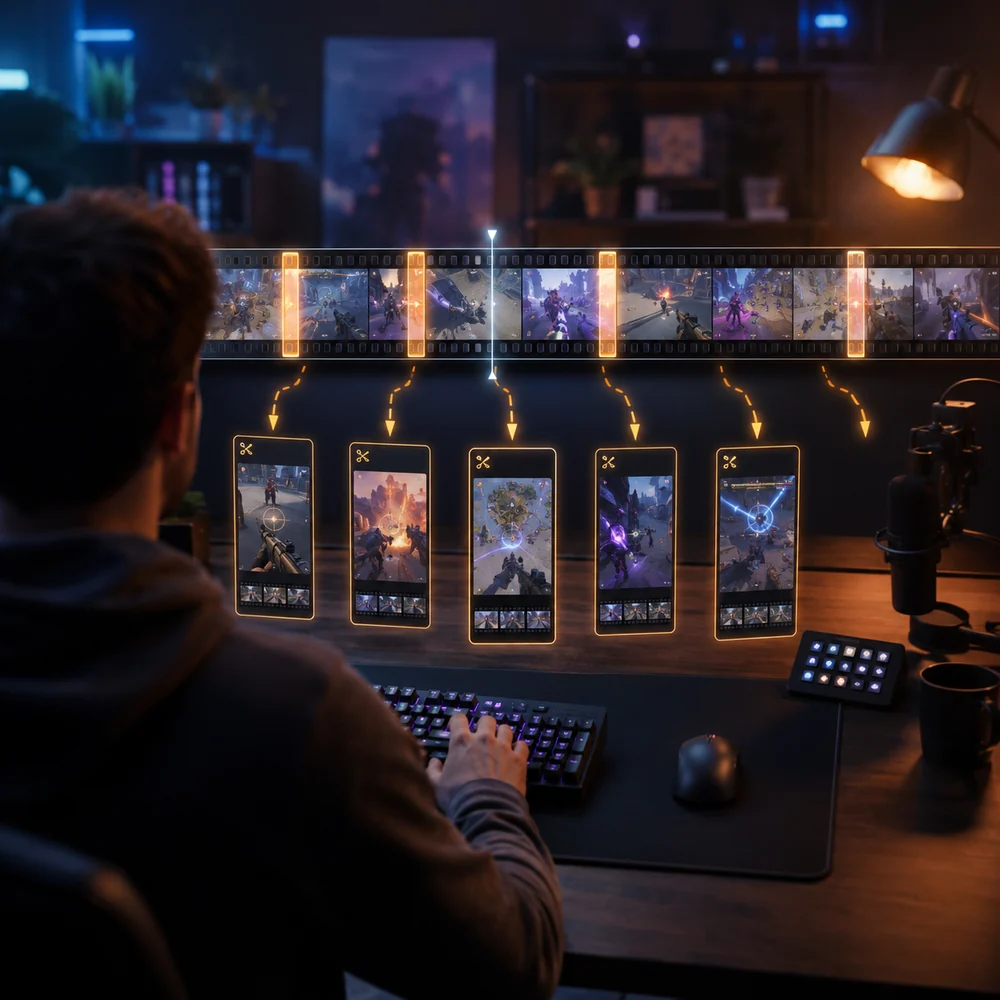
Medal.tv makes the most sense when the clip has to be saved while the game is running. Medal.tv's official site presents the product around recording and sharing game clips, background capture, instant share links, custom clip lengths, multi-track audio, and PC plus mobile availability.
That helps players who are not always live. If you hit an Operator ace in Valorant, win a last-squad fight in Apex Legends, or catch a funny proximity chat moment in Warzone, a recorder can save it before it is gone.
The tradeoff is another capture layer on your PC. You still have to manage storage, recording quality, audio tracks, hotkeys, and performance impact. Some players are fine with that. For streamers who already record everything through Twitch, it can mean doing the same work twice.
What A Twitch VOD Clipper Changes
A Twitch VOD clipper starts after the stream. It treats the broadcast archive as the source instead of asking you to run a separate replay buffer. The work shifts from capture to review: find the best moments, cut the dead air, and format clips for the platform you care about.
That matters when you stream for two to six hours and do not want to scrub the whole VOD by hand the next morning. If you want the step-by-step version, the guide on how to turn Twitch VODs into clips covers the post-stream workflow in more detail.
Medal vs Twitch VOD Clipper In Real Streams
- Valorant clutch: Medal.tv helps when you want an instant replay of the ace. A VOD clipper is better when the clip also needs the buy phase, team comms, scoreboard, and post-round reaction.
- Apex Legends or Warzone session: a recorder can save one fight at high quality. A VOD clipper helps you compare fights across the whole stream and pick the ones with a clean start, readable ending, and watchable pace.
- Fortnite tournament: a local recorder is a useful backup if the stream drops. A VOD clipper is better for turning the full broadcast into short posts after the event.
- Minecraft, Rust, or GTA RP: the clip may depend on a slow setup, a voice reaction, or a joke that lands after 90 seconds. Post-stream VOD review usually fits those moments better than a short replay buffer.
- Off-stream practice: use Medal.tv, Steam Game Recording, NVIDIA App, OBS, or another recorder. If there is no Twitch VOD, FragCut has no source to process.
When To Choose Medal.tv
- Choose Medal.tv if you want a game clip recorder alternative to manual OBS recording.
- Choose Medal.tv if most of your best moments happen off stream.
- Choose Medal.tv if instant sharing matters more than reviewing a full Twitch broadcast.
- Choose Medal.tv if your workflow starts with a local PC clip, then moves to editing or social posting later.
- Choose Medal.tv if you need separate game, mic, or Discord audio control during capture.
When To Choose FragCut Instead
- Choose FragCut if your Twitch VOD is already the complete recording of your stream.
- Choose FragCut if you forget to hit clipping hotkeys during matches.
- Choose FragCut if you need to review long sessions faster and find clips after the stream.
- Choose FragCut if you care more about short-form output than keeping a folder of raw local clips.
- Choose FragCut if your best clips include creator reaction, chat timing, overlays, or context that a short recorder buffer might miss.
Who Should Avoid Each Workflow
| Avoid | If this describes you | Use instead |
|---|---|---|
| Medal-only workflow | You stream every session and your best source is the Twitch VOD. | A VOD-first workflow, with a recorder only as backup. |
| FragCut-only workflow | You play off stream, run scrims locally, or need clips from games that never become VODs. | Medal.tv, NVIDIA App, Steam Game Recording, or OBS. |
| Any always-on recorder | Your PC is already close to its performance limit while streaming and gaming. | Lower capture settings, use the Twitch VOD, or test a lighter setup. |
| Any AI clipping workflow | You need frame-perfect montage editing, heavy effects, or full timeline control. | A dedicated editor such as Premiere Pro, DaVinci Resolve, or Final Cut. |
How Steam And NVIDIA Fit
Steam and NVIDIA are worth checking if capture is your main need. Steam Game Recording supports background and on-demand recording, keeps temporary background recordings, and asks you to create and export clips when you want a video file.
The NVIDIA App includes ShadowPlay, Instant Replay, manual recording, and NVIDIA Highlights for supported moments. It is a strong option if you have a compatible GeForce setup and want GPU-level capture without making Twitch VODs the center of your clipping process.
The difference still comes down to timing. Steam, NVIDIA, Medal.tv, and OBS help you capture gameplay as it happens. FragCut helps once the Twitch stream already exists. If you are comparing the broader category, the best clipping software for gaming checklist is a better starting point than judging two tools in isolation.
A Practical Two-Tool Setup
- Keep one recorder installed for off-stream matches, scrim backups, or moments that happen before you go live.
- Use your Twitch VOD as the main clipping source when you stream consistently and want the full broadcast context.
- Process the VOD soon after each stream, while you still remember which rounds, fights, or reactions mattered.
- Export fewer clips with stronger starts and cleaner endings instead of posting every kill.
- Review the setup after a week. If the recorder never saves anything useful, remove it from the workflow. If VOD review misses too much, keep both.
Final Decision
Choose Medal.tv if you need a live recorder for PC gameplay. Choose FragCut if your best content is already inside Twitch VODs and the hard part is finding, trimming, and publishing the right moments after stream.
For many Twitch creators, this should not be an either-or choice. A recorder gives you backup. A VOD clipper gives you a publishing workflow. The right mix depends on whether missed capture or slow review costs you more clips.
FAQ
Is FragCut a full Medal.tv replacement?
Not for every player. FragCut fits best when your source is a Twitch VOD. Medal.tv fits better when you need to record gameplay locally while you play, especially off stream.
What is the best Medal.tv alternative for Twitch VOD clips?
For Twitch VOD clips, look for a tool that reviews completed streams instead of only recording live gameplay. FragCut fits that post-stream workflow. Medal.tv, Steam, NVIDIA, and OBS fit recorder-first workflows.
Can I use Medal.tv and FragCut together?
Yes. Use Medal.tv for live capture, off-stream moments, or local backups. Use FragCut after the stream to process the Twitch VOD and find clips with full broadcast context.
Should I use NVIDIA App or Steam Game Recording instead of Medal.tv?
Use NVIDIA App or Steam Game Recording if you want built-in capture tied to your GPU or Steam library. Use Medal.tv if you prefer its sharing, social, and clip-management workflow. Use FragCut if your source is a Twitch VOD.
Who should avoid a Twitch VOD clipper?
Avoid a Twitch VOD clipper as your main tool if you rarely stream, do not save VODs, need local high-bitrate archives, or want clips from off-stream games. In those cases, use a recorder first.