
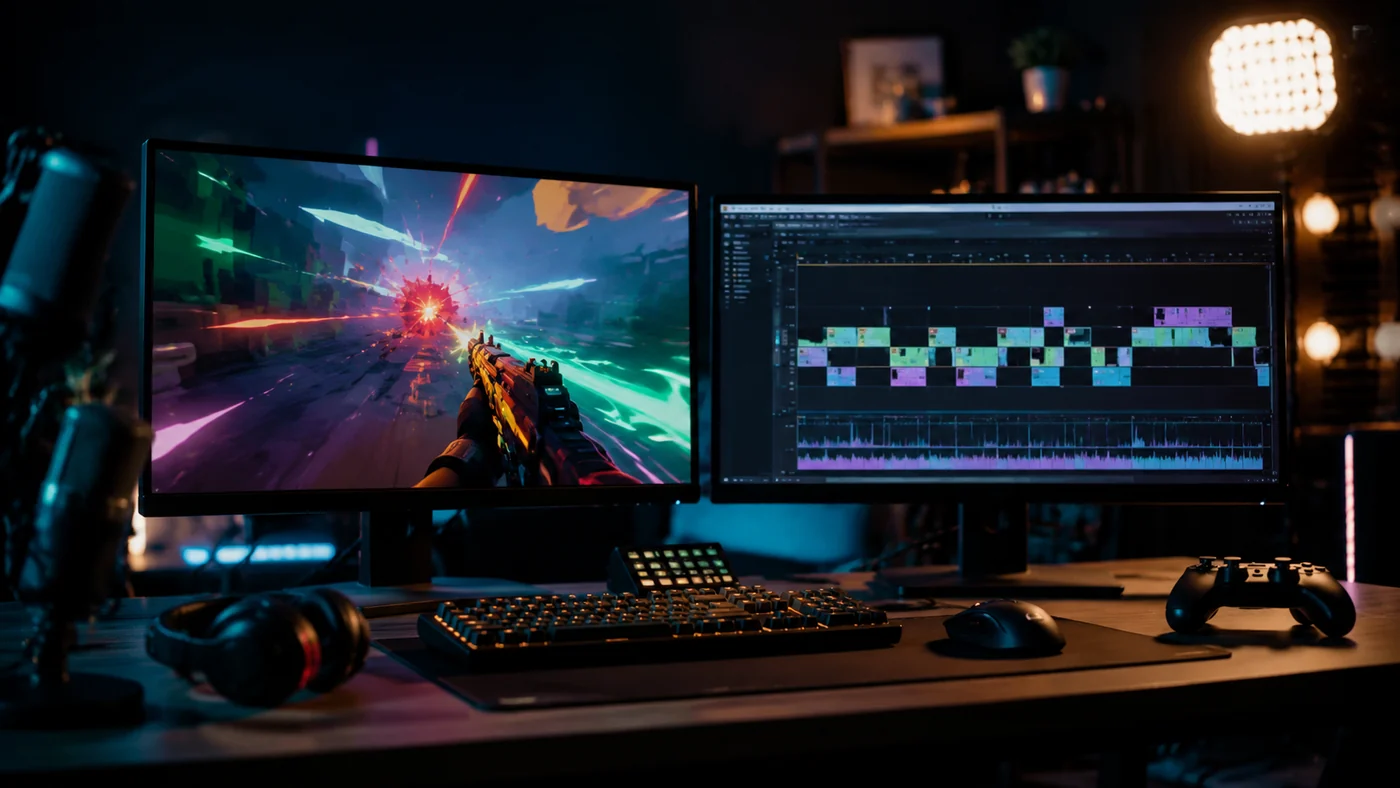
Best Opus Clip Alternative for Gaming Streams
A clear comparison for Twitch streamers weighing Opus Clip, FragCut, and manual clipping.
Read the guide →Opus Clip is strong for podcasts, interviews, webinars, and general long-form repurposing. If you need an Opus Clip alternative for gaming streams, Twitch VODs, or gameplay clips, compare the tools below by highlight detection, vertical export, captions, pricing, and workflow fit.
All 5 alternatives at a glance
| Tool | Free Option | Starting Price | Requires Install | Auto 9:16 | FPS AI |
|---|---|---|---|---|---|
FragCutOur Pick | $19.99/mo | ✓ FPS | |||
Vizard.ai | Free plan available | Free plan · paid plans | |||
Quso.ai | Free plan available | Free plan · paid plans | |||
Kapwing | Free plan available | Free plan · paid plans | |||
Eklipse.gg | Free tier available | Free tier · $15/mo |
Data verified from official product pages · Last updated March 2026
Match your use case to the best tool
FragCut is the best fit when the source video is gameplay. Use it as a Twitch clip maker when you want AI to scan a long VOD, find highlights, and export vertical clips for TikTok, Reels, and Shorts.
AI gaming clip maker and Twitch VOD clipper. Detects kills, aces, clutches, funny moments, and other stream highlights.
$19.99/mo
Best for
Gaming creators who want an Opus Clip alternative focused on Twitch VODs and gameplay highlights
Not ideal for
Podcasters, coaches, or webinar creators who need a general-purpose long-form repurposing suite
AI video repurposing platform for turning long recordings into social clips.
Free plan · paid plans
Best for
Creators who want a close general-purpose Opus Clip alternative for business, education, and creator videos
Not ideal for
Streamers who need gameplay-aware highlight detection from long Twitch VODs
Online video editor with AI tools, captions, templates, and collaborative editing.
Free plan · paid plans
Best for
Creators who want more manual editing control than OpusClip gives by default
Not ideal for
Streamers who want AI to find gaming highlights automatically from full Twitch VODs
AI clipping tool for gaming streams, with support for Twitch and other creator workflows.
Free tier · $15/mo
Best for
Gaming streamers who want a free-tier Opus Clip alternative and do not need FPS-specific AI
Not ideal for
Creators who need a general podcast, webinar, or business-video repurposing tool
FragCut is the best Opus Clip alternative for Twitch streamers who mostly publish gaming clips. Opus Clip is a general long-form repurposing tool; FragCut is tuned for Twitch VODs, gameplay footage, kills, aces, clutches, team wipes, and funny stream moments.
Opus Clip can process many types of long-form video and its official site lists Twitch among supported import sources on higher-tier plans. For gaming clips specifically, FragCut is more focused because it looks for gameplay signals like eliminations, clutches, aces, and stream reactions instead of treating the VOD like a generic talking-head video.
FragCut is the best fit for Valorant, CS2, Apex Legends, Rainbow Six Siege, Warzone, and other FPS clips because its AI is trained around shooter highlights. It is designed to find aces, clutches, multi-kills, operator flicks, team wipes, and other high-signal gameplay moments.
Yes. Vizard.ai, Quso.ai, Kapwing, and Eklipse all offer some form of free plan or free tier. FragCut does not currently have a free plan; it is a better fit when gaming-highlight accuracy and Twitch VOD workflow matter more than testing a free generic clipper.
Opus Clip lists a free plan plus paid Starter and Pro tiers. FragCut starts at $19.99/month and focuses that subscription on AI gaming clips, Twitch VOD import, vertical exports, and captions. For general creator content, Opus Clip may be broader. For gaming streams, FragCut is more specialized.
Hands-on tutorials on clipping, recording and short-form workflows.
A clear comparison for Twitch streamers weighing Opus Clip, FragCut, and manual clipping.
Read the guide →
A practical way to choose gaming clipping software based on how you record, review, edit, and repurpose your clips.
Read the guide →
A repeatable workflow for turning Twitch VODs into vertical clips without rewatching every full stream.
Read the guide →FragCut processes your Twitch VODs and generates TikTok-ready vertical clips automatically. No editor, no manual selection, nothing to install.
Start Processing My VOD