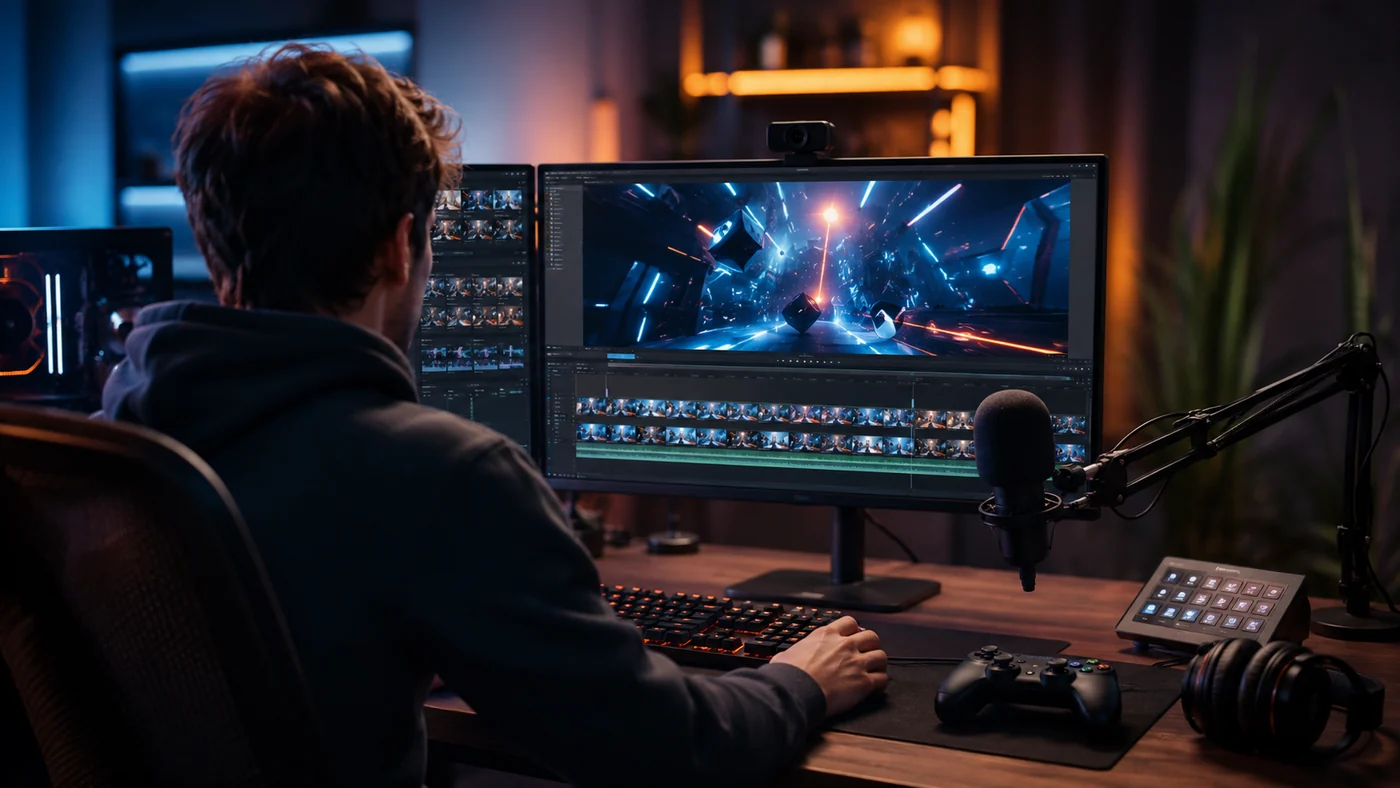
Best Clipping Software for Gaming: What Streamers Should Look For
A practical way to choose gaming clipping software based on how you record, review, edit, and repurpose your clips.
Read the guide →
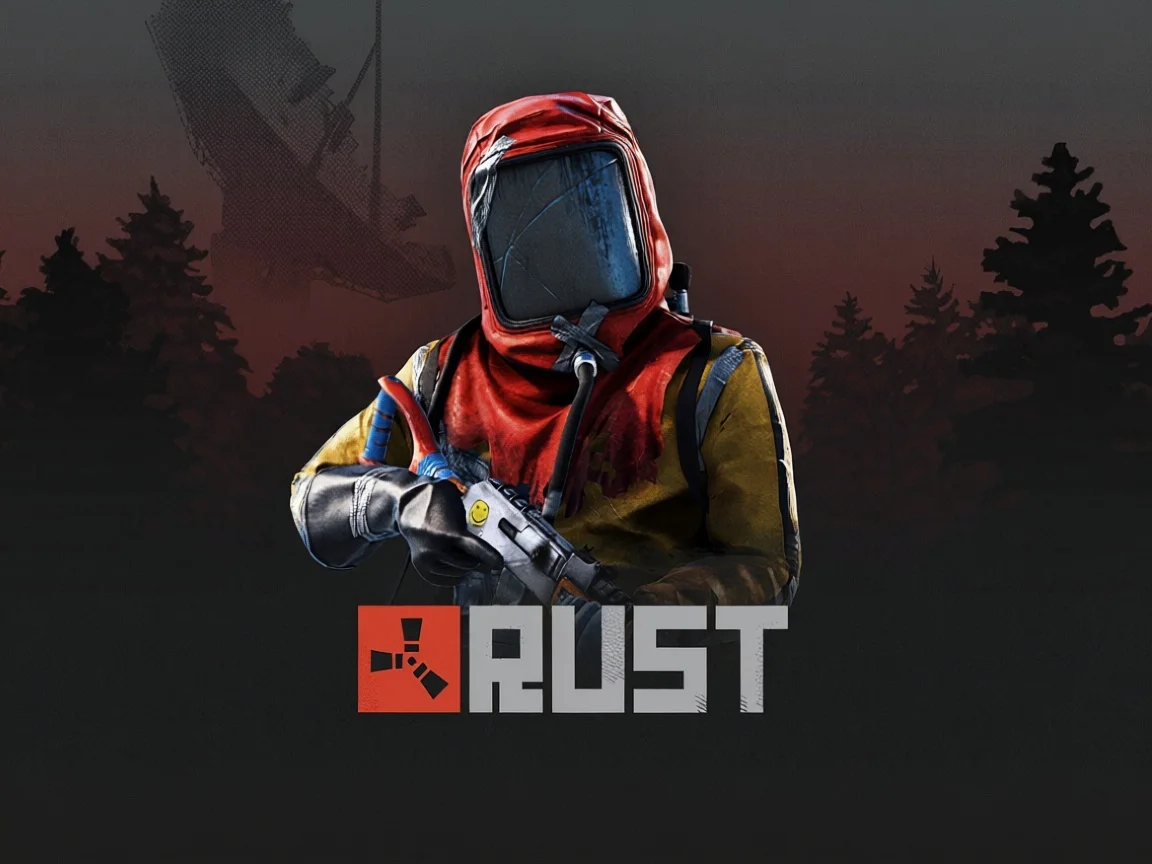
Rust fights happen fast and get messy — multiple enemies, explosions, building blocks flying everywhere. FragCut's AI is trained to pick out the moments that actually matter, like that clutch 1v3 by the airfield or the perfectly timed rocket through a door.
Wipe day sessions run long. Instead of manually scrubbing through six hours of footage to find your best raid sequence, FragCut scans your VOD and pulls the standout moments — so your clip is ready before the wipe is even over.
Rust's community lives on Twitch clips and the r/playrust subreddit. FragCut exports your clips in the right format and length for each platform, whether you want a 30-second banger for Twitter or a full highlight reel for your YouTube channel.
Upload video files (MP4, MOV, WebM, MKV) or paste a Twitch URL. Supports up to 4 hours of footage.
The AI analyzes your gameplay, finds highlight moments, and creates vertical clips for TikTok and Shorts.
Review your clips and download them. Post directly to TikTok, Shorts, and Reels.
A Rust clip maker is a tool that automatically scans your Rust gameplay recordings or VODs to find and cut the best moments — like raids, PVP kills, and wipe highlights — saving you from manually scrubbing through hours of footage to build a shareable highlight reel.
Yes. FragCut's AI is trained on survival game footage and recognizes high-intensity Rust moments including base raids, PVP exchanges, monument fights, and helicopter engagements. It analyzes audio spikes, kill events, and rapid gameplay changes to identify the clips worth keeping.
Most Rust VODs, even full wipe day sessions of 4-6 hours, are processed in around 15-30 minutes. FragCut runs in the cloud, so you can upload your footage and come back to a finished highlight reel without sitting through the whole session again.
Yes. FragCut supports Rust with AI highlight detection. Upload your video and get clips ready for download. The AI finds: Base Raids, PVP Fights, Helicopter Takedowns, and more.
The AI detects: • Base Raids • PVP Fights • Helicopter Takedowns • Oil Rig Assaults • Rooftop Sniping • Ambushes & Counter-Plays • Wipe Day Chaos • Monument Fights.
Processing typically takes 15-30 minutes depending on video length. For Twitch URL imports, additional time is required to download the video before processing begins. You get multiple clips ready for TikTok, Reels, and Shorts. Choose vertical (9:16) or horizontal (16:9). Subtitles included.
Yes. Download as MP4 files (H.264, 30fps). No watermarks on paid plans. You own all your content.
MP4, MOV, AVI, and other common formats. Upload your Rust gameplay recording (up to 4 hours) and the AI finds the highlights.
Step-by-step clipping guides from the FragCut blog.
A practical way to choose gaming clipping software based on how you record, review, edit, and repurpose your clips.
Read the guide →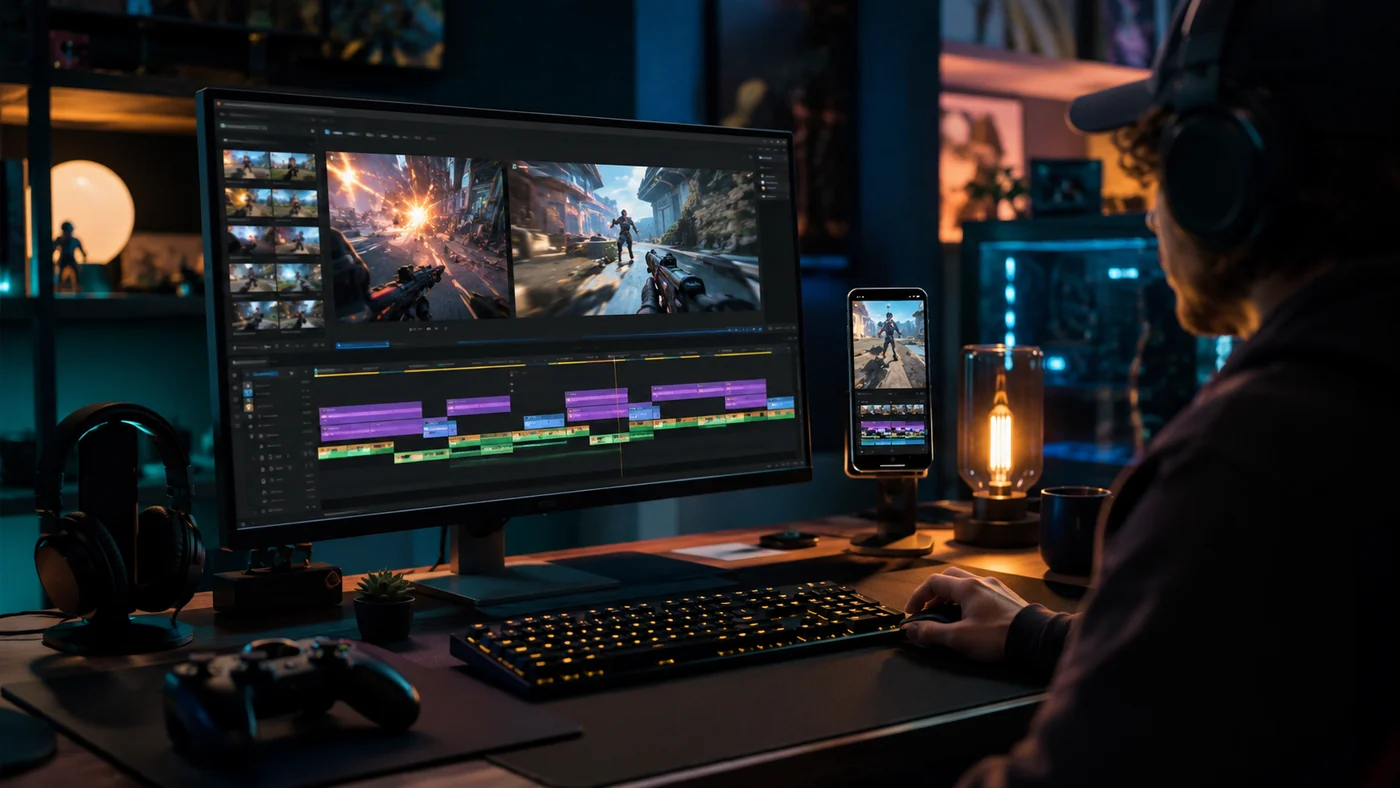
A repeatable workflow for turning Twitch VODs into vertical clips without rewatching every full stream.
Read the guide →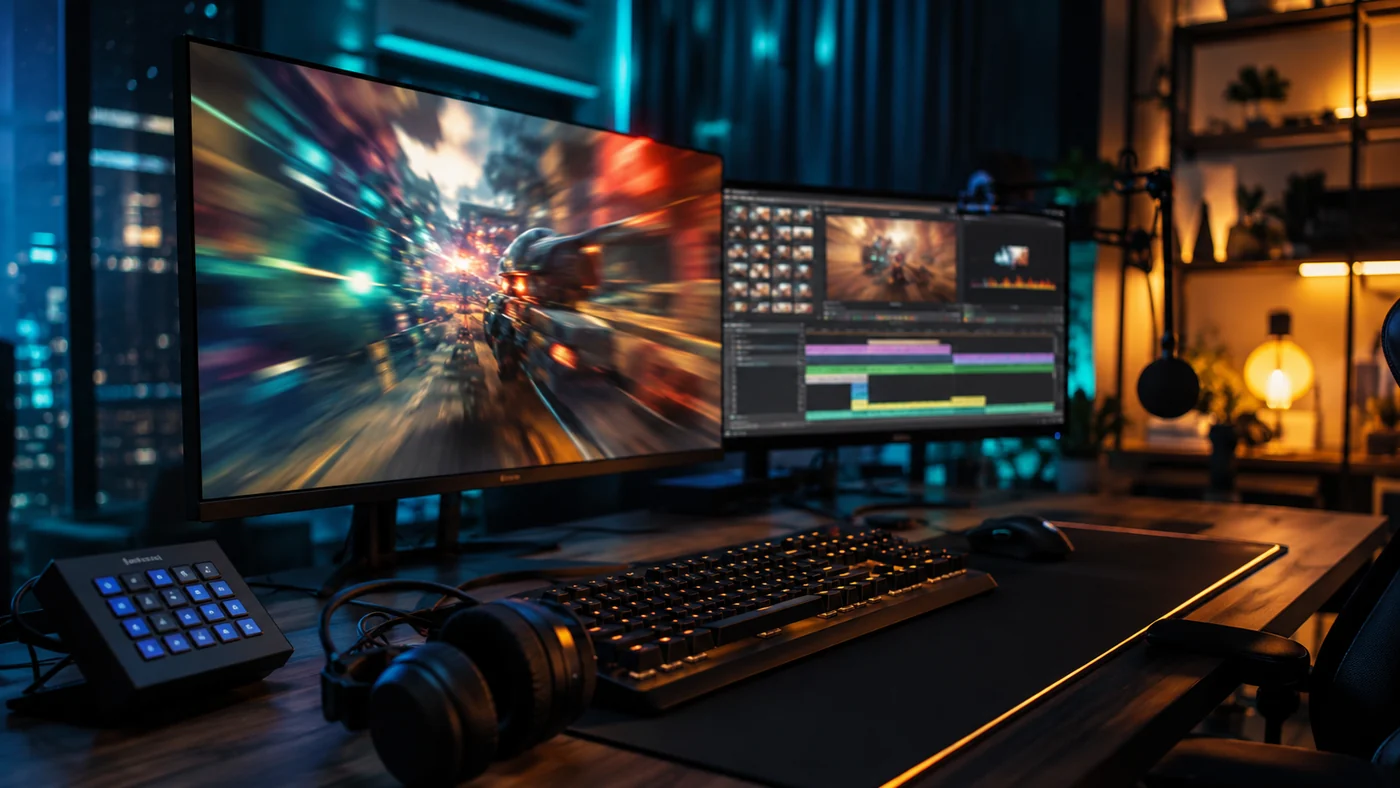
A working checklist for choosing a Twitch AI clip maker that finds real gaming moments, exports vertical clips, and cuts review time.
Read the guide →Comparing clipping software for Rust? See the best Medal alternatives and Eklipse alternatives.
Counter-Strike 2
Overwatch 2
Delta Force

League of Legends
Dota 2
Grand Theft Auto V

Call of Duty: Warzone
Escape from Tarkov
Counter-Strike 2
Overwatch 2
Delta Force
League of Legends
Dota 2
Grand Theft Auto V
Call of Duty: Warzone
Escape from Tarkov
Counter-Strike 2
Overwatch 2
Delta Force
League of Legends
Dota 2
Grand Theft Auto V
Call of Duty: Warzone
Escape from Tarkov
Stop rewatching hours of footage. Let FragCut find your standout Rust moments automatically.
Start Clipping Now