Best Clipping Software for Gaming: What Streamers Should Look For
A practical way to choose gaming clipping software based on how you record, review, edit, and repurpose your clips.
Read the guide →
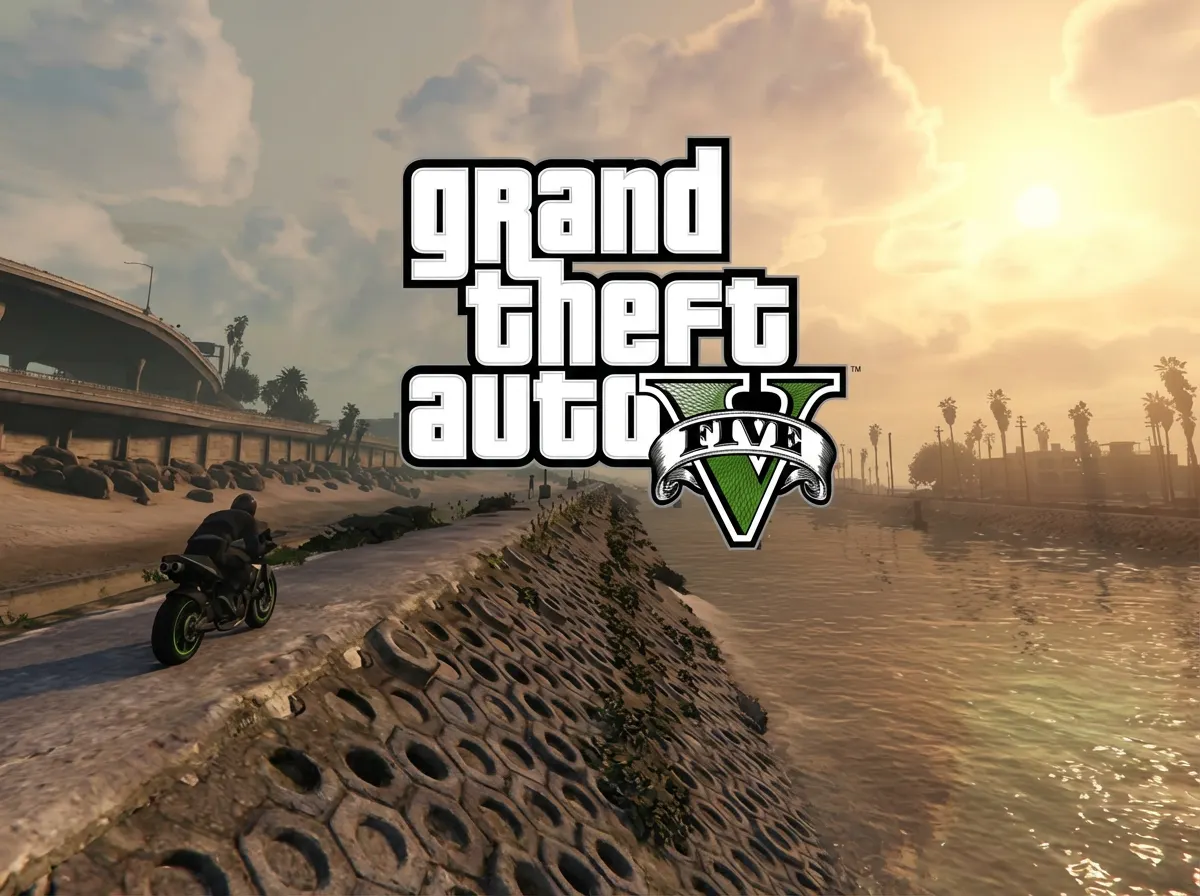
The AI recognizes GTA-specific moments — heist finales, police chases, and RP scenes. It doesn't just detect movement or audio spikes; it tracks what's actually happening in the game.
GTA sessions run 4-6 hours. Upload the whole recording and get 6-8 clips ready to post. No scrubbing through hours of driving around Los Santos.
Whether you stream NoPixel RP or run Cayo Perico solo, the AI picks up the high-intensity moments. Export vertical for TikTok or horizontal for YouTube.
Upload video files (MP4, MOV, WebM, MKV) or paste a Twitch URL. Supports up to 4 hours of footage.
The AI analyzes your gameplay, finds highlight moments, and creates vertical clips for TikTok and Shorts.
Review your clips and download them. Post directly to TikTok, Shorts, and Reels.
A GTA V clip maker analyzes your gameplay recordings and automatically identifies the best moments — heists, police chases, stunts, and GTA RP scenes. It exports those highlights as individual clips ready to post on TikTok, YouTube, or Twitch without manual editing.
Yes. FragCut detects high-intensity moments in GTA RP streams, including police confrontations, dramatic character scenes, and chase sequences. The AI identifies emotional peaks based on audio levels and in-game activity. Subtitles are available for clips with heavy dialogue.
FragCut works with any GTA Online session — Cayo Perico Heist, Diamond Casino Heist, Doomsday Heist, street races, and free mode. The AI detects key moments regardless of game mode, including heist finales, escape sequences, and multi-kill moments.
Yes. FragCut supports Grand Theft Auto V with AI highlight detection. Upload your video and get clips ready for download. The AI finds: Police chases & 5-star wanted escapes, Heist finales (Casino, Cayo Perico), Stunt jumps & vehicle fails, and more.
The AI detects: • Police chases & 5-star wanted escapes • Heist finales (Casino, Cayo Perico) • Stunt jumps & vehicle fails • GTA RP dramatic moments • Free mode chaos & explosions • Street & stunt race wins • Fighter jet & aerial stunts • Mission set pieces (bank jobs, airport chases).
Processing typically takes 15-30 minutes depending on video length. For Twitch URL imports, additional time is required to download the video before processing begins. You get multiple clips ready for TikTok, Reels, and Shorts. Choose vertical (9:16) or horizontal (16:9). Subtitles included.
Yes. Download as MP4 files (H.264, 30fps). No watermarks on paid plans. You own all your content.
MP4, MOV, AVI, and other common formats. Upload your Grand Theft Auto V gameplay recording (up to 4 hours) and the AI finds the highlights.
Step-by-step clipping guides from the FragCut blog.
A practical way to choose gaming clipping software based on how you record, review, edit, and repurpose your clips.
Read the guide →
A repeatable workflow for turning Twitch VODs into vertical clips without rewatching every full stream.
Read the guide →
A working checklist for choosing a Twitch AI clip maker that finds real gaming moments, exports vertical clips, and cuts review time.
Read the guide →Comparing clipping software for Grand Theft Auto V? See the best Medal alternatives and Eklipse alternatives.
Capture every chase, every heist, every insane moment in Los Santos.
Start Clipping Now