
Deadlock
Clip Maker
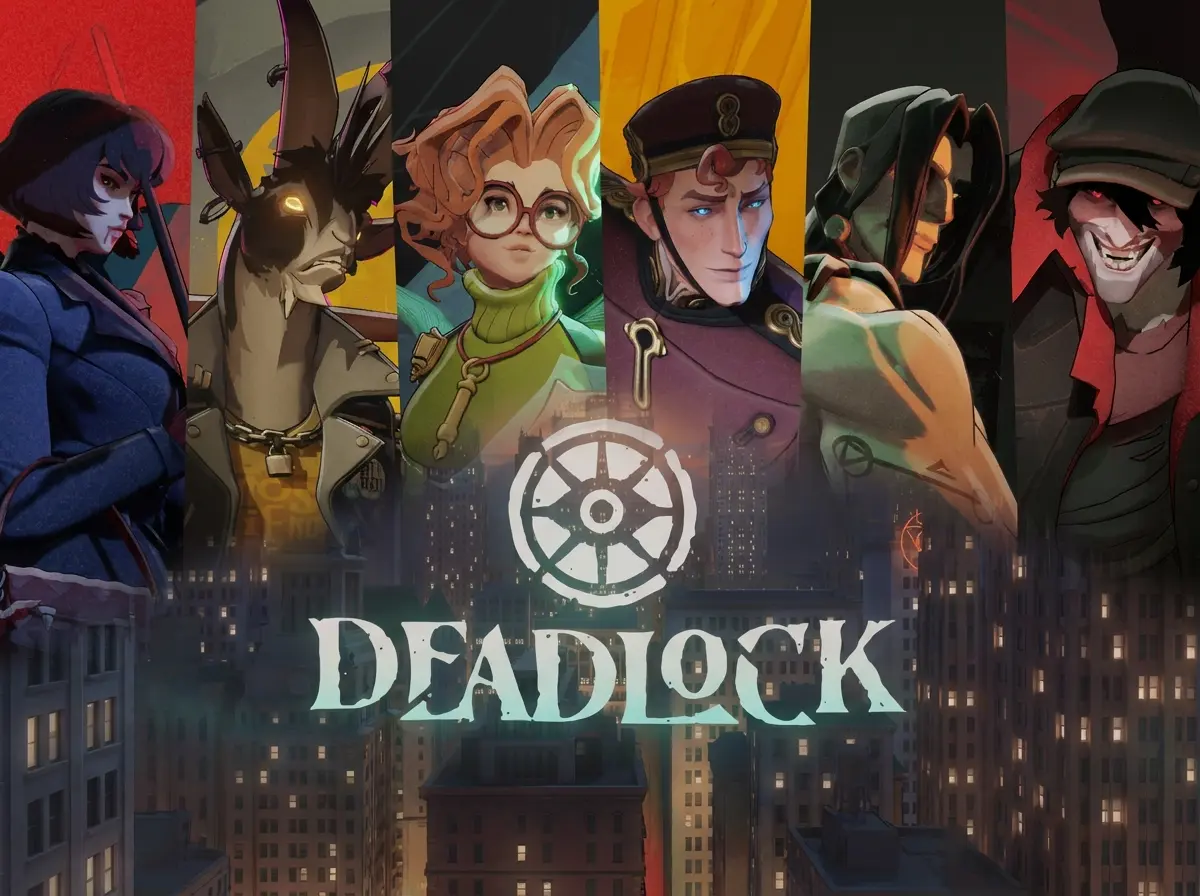
Why Choose FragCut for Deadlock
MOBA-Aware AI Detection
Our AI understands Deadlock's unique MOBA mechanics - from ultimate combos to objective captures. No more manual scrubbing through hour-long matches.
Hero-Specific Recognition
Trained on all Deadlock heroes and their abilities. Automatically detects impactful plays across different hero kits and playstyles.
Team Fight Analysis
AIly identifies multi-hero engagements, patron kills, and game-changing moments that define your best Deadlock matches.
Deadlock Highlights
From Stream to Socials in 3 Steps
Upload or Import
Upload video files (MP4, MOV, WebM, MKV) or paste a Twitch URL. Supports up to 4 hours of footage.
AI Finds Highlights
The AI analyzes your gameplay, finds highlight moments, and creates vertical clips for TikTok and Shorts.
Download and Post
Review your clips and download them. Post directly to TikTok, Shorts, and Reels.
Frequently Asked Deadlock Questions
What is a Deadlock clip maker?
A Deadlock clip maker is an AI-powered tool that automatically analyzes your Deadlock gameplay recordings to detect and extract highlight-worthy moments. It identifies key events like ultimates, team wipes, patron kills, and clutch plays, saving you time from manually searching through full match recordings.
Can FragCut detect hero-specific abilities and MOBA mechanics in Deadlock?
Yes, FragCut's AI understands Deadlock's unique MOBA-shooter hybrid mechanics. Our system recognizes hero ultimate abilities, multi-hero team fight engagements, patron objective captures, and lane domination streaks. Whether you're playing Dynamo's Storm Cloud setups or executing perfect ability combos, FragCut automatically identifies the highlight-worthy moments that matter in Deadlock's strategic gameplay.
Does FragCut work with Deadlock early access gameplay and all match types?
Yes. FragCut processes Deadlock footage from all stages of the game's development and any match type. Our AI adapts to gameplay updates and works with both casual matches and competitive games. As Deadlock evolves through early access, FragCut continues to recognize core highlight moments like patron kills, team wipes, and clutch plays across all skill levels.
Can FragCut clip Deadlock gameplay?
Yes. FragCut supports Deadlock with AI highlight detection. Upload your video and get clips ready for download. The AI finds: Team Wipe Ultimate, Patron Kill, 1v3 Clutch Play, and more.
What Deadlock moments does FragCut detect?
The AI detects: • Team Wipe Ultimate • Patron Kill • 1v3 Clutch Play • Perfect Storm Cloud • Last-Second Base Defense • Lane Domination Spree • Epic Team Fight Combo • Game-Winning Push.
How long does it take to clip my Deadlock video?
Processing typically takes 15-30 minutes depending on video length. For Twitch URL imports, additional time is required to download the video before processing begins. You get multiple clips ready for TikTok, Reels, and Shorts. Choose vertical (9:16) or horizontal (16:9). Subtitles included.
Can I download my Deadlock clips?
Yes. Download as MP4 files (H.264, 30fps). No watermarks on paid plans. You own all your content.
What video formats does FragCut support?
MP4, MOV, AVI, and other common formats. Upload your Deadlock gameplay recording (up to 4 hours) and the AI finds the highlights.
Comparing clipping software for Deadlock? See the best Medal alternatives and Eklipse alternatives.
More AI Clip Makers
Valorant
Apex Legends
Delta Force
League of Legends
Dota 2
Grand Theft Auto V
Call of Duty: Warzone
Escape from Tarkov
Valorant
Apex Legends
Delta Force
League of Legends
Dota 2
Grand Theft Auto V
Call of Duty: Warzone
Escape from Tarkov
Valorant
Apex Legends
Delta Force
League of Legends
Dota 2
Grand Theft Auto V
Call of Duty: Warzone
Escape from Tarkov
Ready to Clip Your Best Plays?
Turn your Deadlock gameplay into ready-to-post clips with AI.
Start Clipping Now