Best Clipping Software for Gaming: What Streamers Should Look For
A practical way to choose gaming clipping software based on how you record, review, edit, and repurpose your clips.
Read the guide →
Bedwars clutches, speedrun splits, Manhunt escapes—FragCut identifies what makes each game mode worth clipping. One tool, any server.
Upload from Hypixel, Mineplex, survival streams, or speedrun attempts. No server setup, no plugins. Just drop in the VOD and get clips back.
Choose vertical 9:16 for TikTok or horizontal 16:9 for YouTube. Subtitles are burned in so your clips land even when viewers scroll with sound off.
Upload video files (MP4, MOV, WebM, MKV) or paste a Twitch URL. Supports up to 4 hours of footage.
The AI analyzes your gameplay, finds highlight moments, and creates vertical clips for TikTok and Shorts.
Review your clips and download them. Post directly to TikTok, Shorts, and Reels.
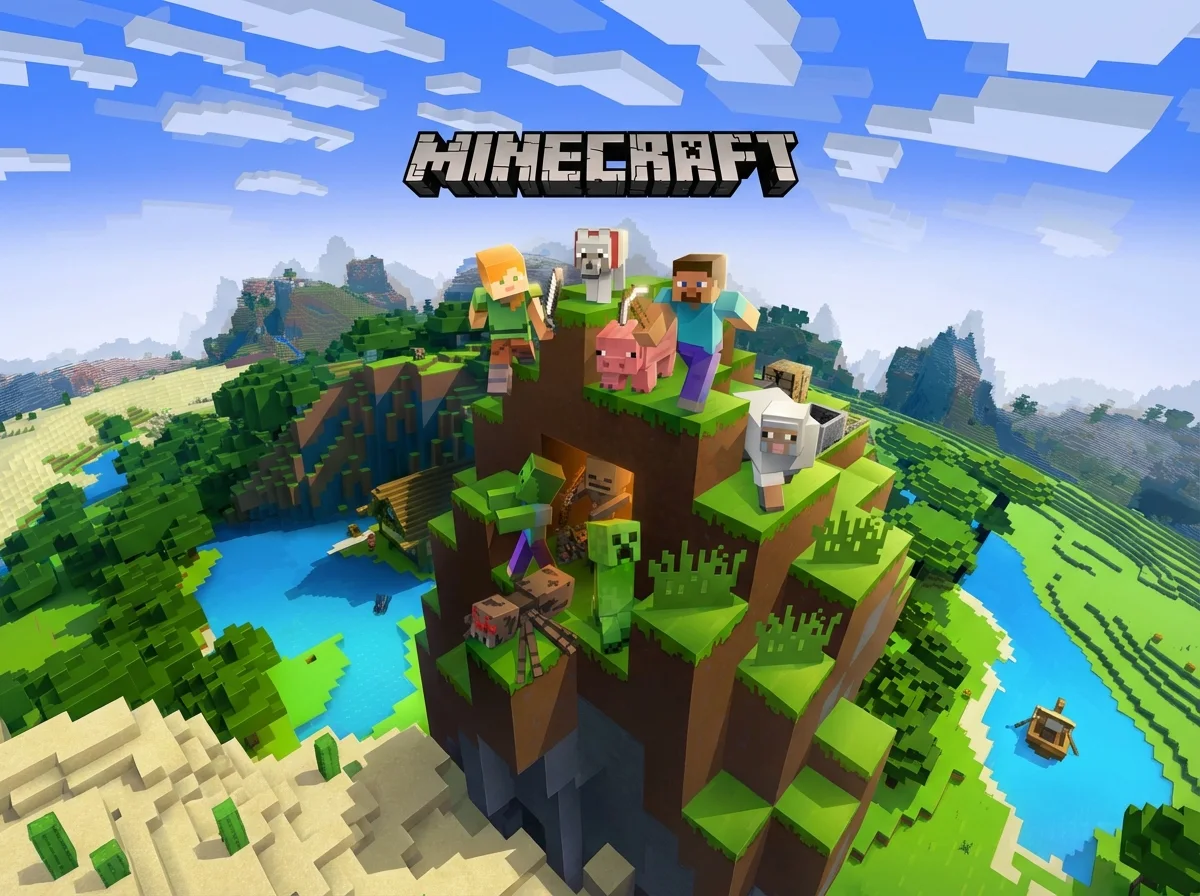
A Minecraft clip maker is AI software that detects and extracts highlight moments from Minecraft recordings—Bedwars final kills, PvP combos, speedrun splits, and parkour moments. Upload your stream VOD and get clips back automatically.
Yes. FragCut works with footage from Hypixel, Mineplex, and other popular servers. It identifies final kills, clutch wins, and PvP streaks common in Bedwars and SkyWars. No server-side plugins or special setup needed—just upload your recording.
Yes. FragCut processes speedrun attempts, survival streams, and server recordings of any length. It picks out key moments like nether entries, close splits, and boss fights from hours of footage and delivers clips ready to post.
Yes. FragCut supports Minecraft with AI highlight detection. Upload your video and get clips ready for download. The AI finds: Bedwars final kills & clutch wins, PvP combo streaks and no-hit kills, Speedrun world record attempts, and more.
The AI detects: • Bedwars final kills & clutch wins • PvP combo streaks and no-hit kills • Speedrun world record attempts • Parkour perfect runs • Manhunt chase scenes and escapes • TNT cannon and trap setups • Lucky block and rare loot moments • Funny fails and reaction highlights.
Processing typically takes 15-30 minutes depending on video length. For Twitch URL imports, additional time is required to download the video before processing begins. You get multiple clips ready for TikTok, Reels, and Shorts. Choose vertical (9:16) or horizontal (16:9). Subtitles included.
Yes. Download as MP4 files (H.264, 30fps). No watermarks on paid plans. You own all your content.
MP4, MOV, AVI, and other common formats. Upload your Minecraft gameplay recording (up to 4 hours) and the AI finds the highlights.
Step-by-step clipping guides from the FragCut blog.
A practical way to choose gaming clipping software based on how you record, review, edit, and repurpose your clips.
Read the guide →
A repeatable workflow for turning Twitch VODs into vertical clips without rewatching every full stream.
Read the guide →
A working checklist for choosing a Twitch AI clip maker that finds real gaming moments, exports vertical clips, and cuts review time.
Read the guide →Comparing clipping software for Minecraft? See the best Medal alternatives and Eklipse alternatives.
Counter-Strike 2
Overwatch 2
Delta Force
League of Legends
Dota 2
Grand Theft Auto V
Rainbow Six Siege
Rust
Counter-Strike 2
Overwatch 2
Delta Force
League of Legends
Dota 2
Grand Theft Auto V
Rainbow Six Siege
Rust
Counter-Strike 2
Overwatch 2
Delta Force
League of Legends
Dota 2
Grand Theft Auto V
Rainbow Six Siege
Rust
Join Minecraft streamers and creators using FragCut to turn long VODs into clips ready for TikTok, YouTube Shorts, and Twitter.
Start Clipping Now