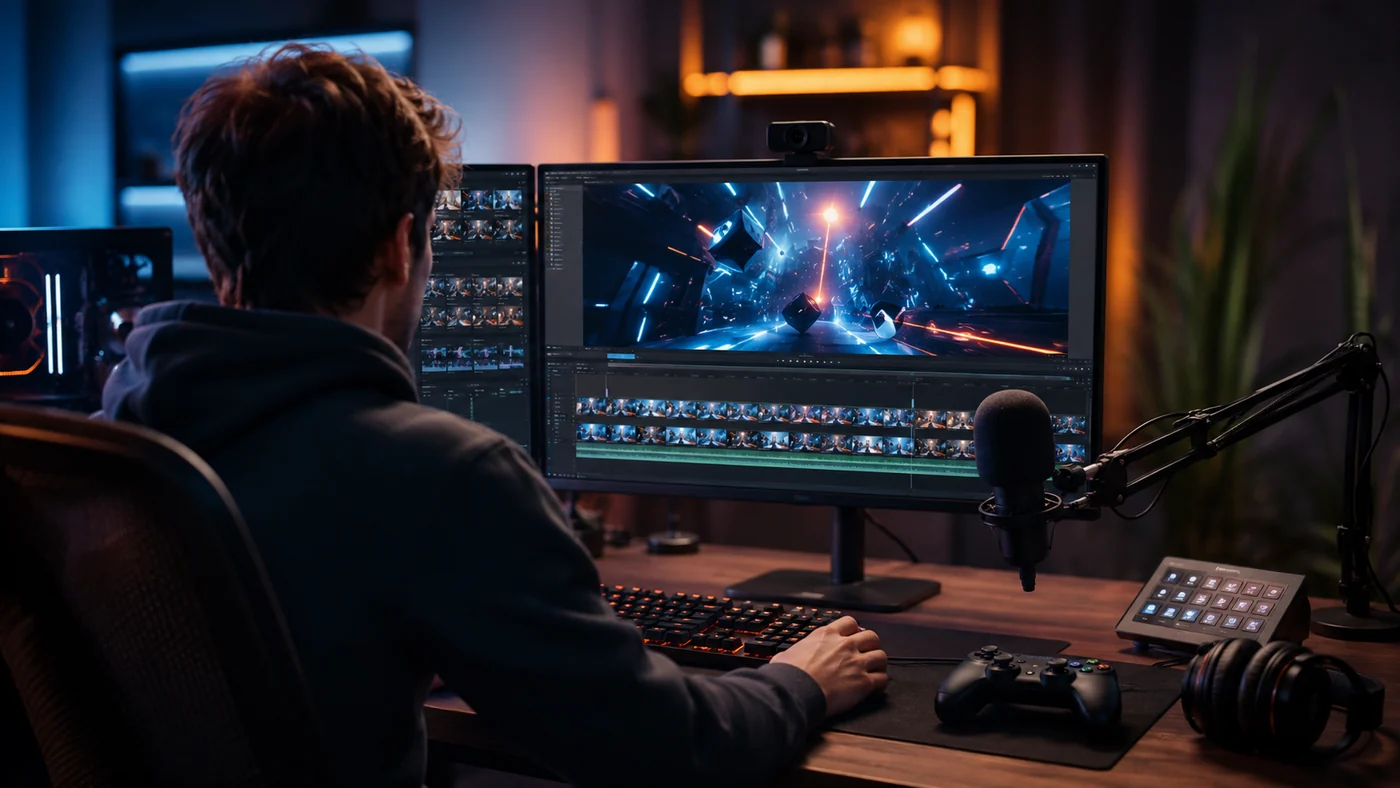
Best Clipping Software for Gaming: What Streamers Should Look For
A practical way to choose gaming clipping software based on how you record, review, edit, and repurpose your clips.
Read the guide →
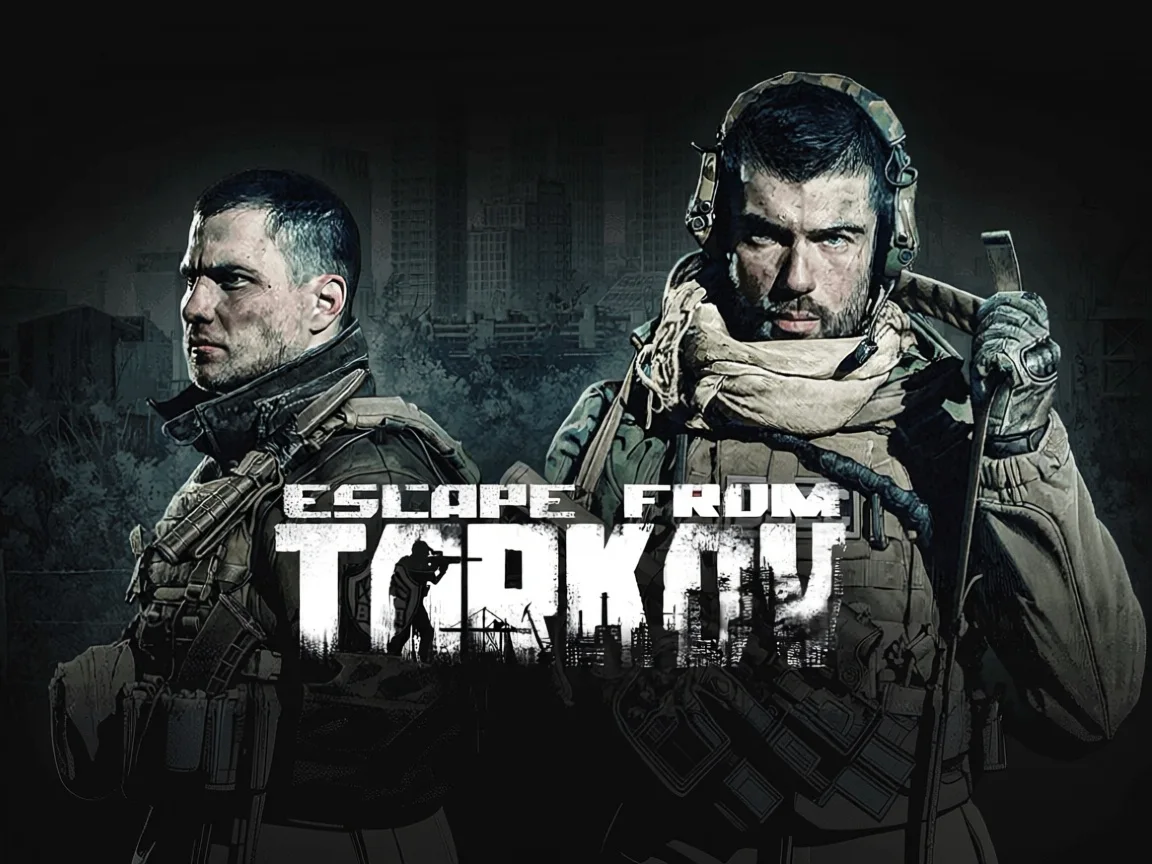
EFT raids don't follow a script — FragCut's AI tracks the intensity. It detects boss fights on Reserve, Factory 1v4s, and Customs extraction runs without you telling it what to look for.
Drop in a 2-hour Interchange VOD and FragCut pulls the moments worth keeping — Killa drops, gun fight wins, near-death extractions. No manual timestamps, no cutting frame by frame.
Your Tarkov highlights come out formatted for wherever you post — tight 30-60 second cuts for Discord, or longer raid recaps for YouTube. No extra editing needed after export.
Upload video files (MP4, MOV, WebM, MKV) or paste a Twitch URL. Supports up to 4 hours of footage.
The AI analyzes your gameplay, finds highlight moments, and creates vertical clips for TikTok and Shorts.
Review your clips and download them. Post directly to TikTok, Shorts, and Reels.
An Escape from Tarkov clip maker is AI software that automatically scans your raid recordings and pulls out highlight moments — boss kills, extraction clutches, gun fight wins — without manual scrubbing. Upload your footage and get shareable clips in minutes.
Yes. FragCut's AI recognizes high-intensity combat sequences that typically occur during boss encounters on Factory, Interchange, Customs, and other maps. It identifies spike moments in your footage — rapid kills, high damage taken, dramatic fight endings — which line up with boss fights and multi-kill sequences. You don't need to tag timestamps manually.
Yes — FragCut processes any Escape from Tarkov video content regardless of whether you're running as a PMC or Scav. It works on solo raids, duo sessions, and full squad VODs. Any recording that captures combat, extraction attempts, or high-stakes loot moments can be analyzed and clipped.
Yes. FragCut supports Escape from Tarkov with AI highlight detection. Upload your video and get clips ready for download. The AI finds: PMC multi-kill streak, Boss eliminations (Killa, Reshala, Tagilla, Shturman), Clutch raid extraction under fire, and more.
The AI detects: • PMC multi-kill streak • Boss eliminations (Killa, Reshala, Tagilla, Shturman) • Clutch raid extraction under fire • 1v3 fight comeback • Sniper headshot across the map • Grenade multi-kill in tight corridors • High-value loot run completion • Surviving a Raiders ambush on Reserve.
Processing typically takes 15-30 minutes depending on video length. For Twitch URL imports, additional time is required to download the video before processing begins. You get multiple clips ready for TikTok, Reels, and Shorts. Choose vertical (9:16) or horizontal (16:9). Subtitles included.
Yes. Download as MP4 files (H.264, 30fps). No watermarks on paid plans. You own all your content.
MP4, MOV, AVI, and other common formats. Upload your Escape from Tarkov gameplay recording (up to 4 hours) and the AI finds the highlights.
Step-by-step clipping guides from the FragCut blog.
A practical way to choose gaming clipping software based on how you record, review, edit, and repurpose your clips.
Read the guide →
A repeatable workflow for turning Twitch VODs into vertical clips without rewatching every full stream.
Read the guide →
A working checklist for choosing a Twitch AI clip maker that finds real gaming moments, exports vertical clips, and cuts review time.
Read the guide →Comparing clipping software for Escape from Tarkov? See the best Medal alternatives and Eklipse alternatives.
Counter-Strike 2
Overwatch 2
Delta Force

League of Legends
Dota 2
Grand Theft Auto V
Call of Duty: Warzone
Rust
Counter-Strike 2
Overwatch 2
Delta Force
League of Legends
Dota 2
Grand Theft Auto V
Call of Duty: Warzone
Rust
Counter-Strike 2
Overwatch 2
Delta Force
League of Legends
Dota 2
Grand Theft Auto V
Call of Duty: Warzone
Rust
FragCut finds your best PMC kills, boss fights, and clutch extractions automatically. Upload and go.
Start Clipping Now