

League of Legends
Clip Maker
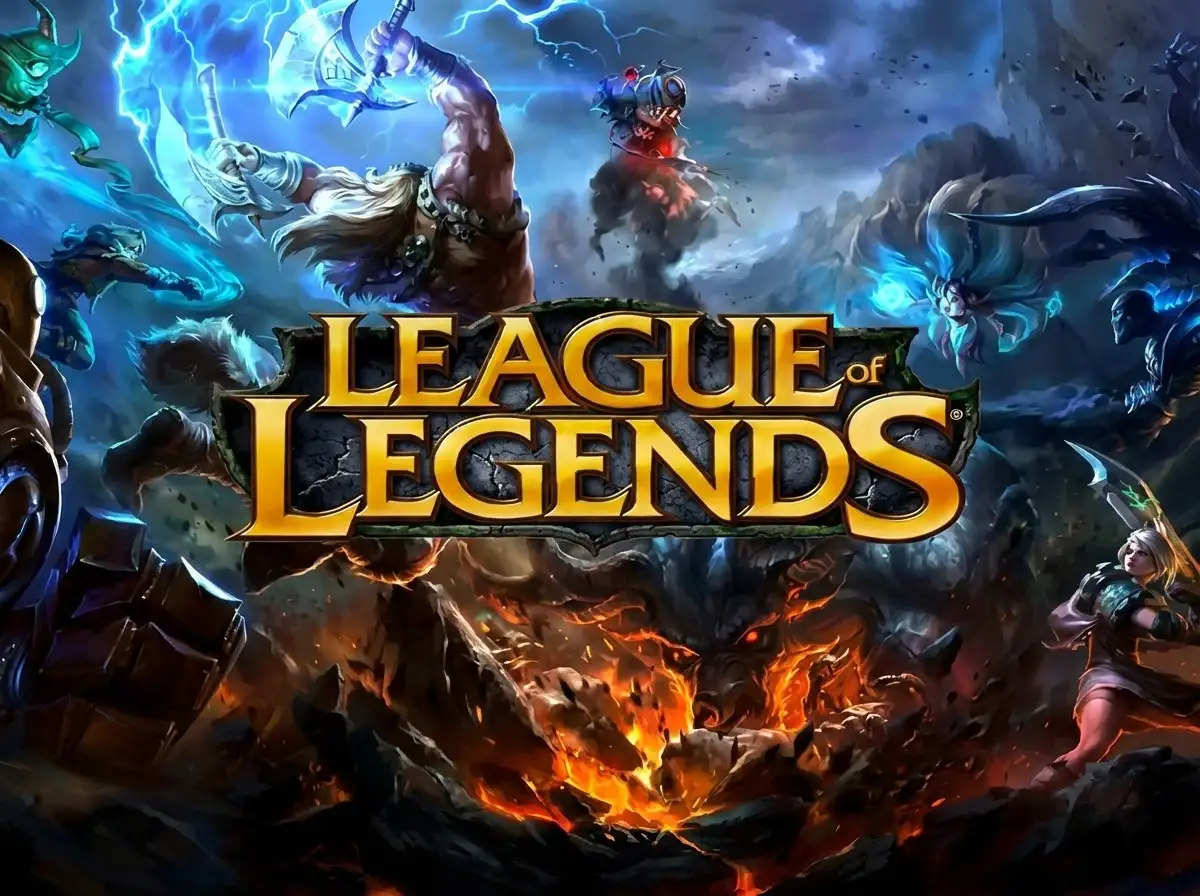
Why Choose FragCut for League of Legends
Smart MOBA Detection
Our AI understands League of Legends gameplay mechanics, automatically identifying pentakills, multi-kills, objective steals, and clutch plays without manual tagging.
Esports-Quality Exports
Generate clips optimized for streaming platforms and social media with automatic quality enhancement, ensuring your highlights look professional and ready to share.
Instant Highlight Reels
Transform hours of ranked gameplay into shareable montages automatically, letting you focus on climbing the ladder instead of editing footage.
League of Legends Highlights
From Stream to Socials in 3 Steps
Upload or Import
Upload video files (MP4, MOV, WebM, MKV) or paste a Twitch URL. Supports up to 4 hours of footage.
AI Finds Highlights
The AI analyzes your gameplay, finds highlight moments, and creates vertical clips for TikTok and Shorts.
Download and Post
Review your clips and download them. Post directly to TikTok, Shorts, and Reels.
Frequently Asked League of Legends Questions
What is a League of Legends clip maker?
A League of Legends clip maker is an AI-powered tool that automatically analyzes your gameplay footage to detect and extract highlight moments like pentakills, baron steals, outplays, and teamfight victories. It eliminates manual video editing by intelligently identifying key events based on game mechanics, allowing players to create shareable clips and montages automatically.
Can it detect plays from all roles and champions?
Yes, our AI analyzes gameplay across all five roles (top, jungle, mid, ADC, support) and recognizes highlights from the entire champion roster. Whether you're landing a perfect Orianna shockwave, securing a baron steal as Lee Sin, or making a clutch Thresh hook, the detection system identifies impactful plays regardless of your role or champion selection.
Does it work with ranked games and custom matches?
The clip maker processes footage from any League of Legends game mode, including ranked solo/duo, flex queue, normal games, ARAM, custom matches, and even tournament replays. Simply upload your recorded gameplay or replay files, and the AI will detect highlights regardless of the match type or queue.
Can FragCut clip League of Legends gameplay?
Yes. FragCut supports League of Legends with AI highlight detection. Upload your video and get clips ready for download. The AI finds: Pentakills & multi-kills, Baron & Dragon steals, Epic teamfight victories, and more.
What League of Legends moments does FragCut detect?
The AI detects: • Pentakills & multi-kills • Baron & Dragon steals • Epic teamfight victories • Clutch outplays & escapes • Perfect ultimate combos • Game-winning backdoor plays • Support saves & vision control • Objective control & macro plays.
How long does it take to clip my League of Legends video?
Processing typically takes 15-30 minutes depending on video length. For Twitch URL imports, additional time is required to download the video before processing begins. You get multiple clips ready for TikTok, Reels, and Shorts. Choose vertical (9:16) or horizontal (16:9). Subtitles included.
Can I download my League of Legends clips?
Yes. Download as MP4 files (H.264, 30fps). No watermarks on paid plans. You own all your content.
What video formats does FragCut support?
MP4, MOV, AVI, and other common formats. Upload your League of Legends gameplay recording (up to 4 hours) and the AI finds the highlights.
Comparing clipping software for League of Legends? See the best Medal alternatives and Eklipse alternatives.
More AI Clip Makers
Valorant
Apex Legends
Deadlock
Marvel Rivals
Dota 2
Grand Theft Auto V
Call of Duty: Warzone
Escape from Tarkov
Valorant
Apex Legends
Deadlock
Marvel Rivals
Dota 2
Grand Theft Auto V
Call of Duty: Warzone
Escape from Tarkov
Valorant
Apex Legends
Deadlock
Marvel Rivals
Dota 2
Grand Theft Auto V
Call of Duty: Warzone
Escape from Tarkov
Ready to Clip Your Pentakills?
Turn your League Of Legends gameplay into ready-to-post clips with AI.
Start Clipping Now