Clipping Software
Clipping software finds the best moments in a long gameplay recording or stream and cuts them into short clips you can post. Some tools record live while you play; others scan a recording after the match.
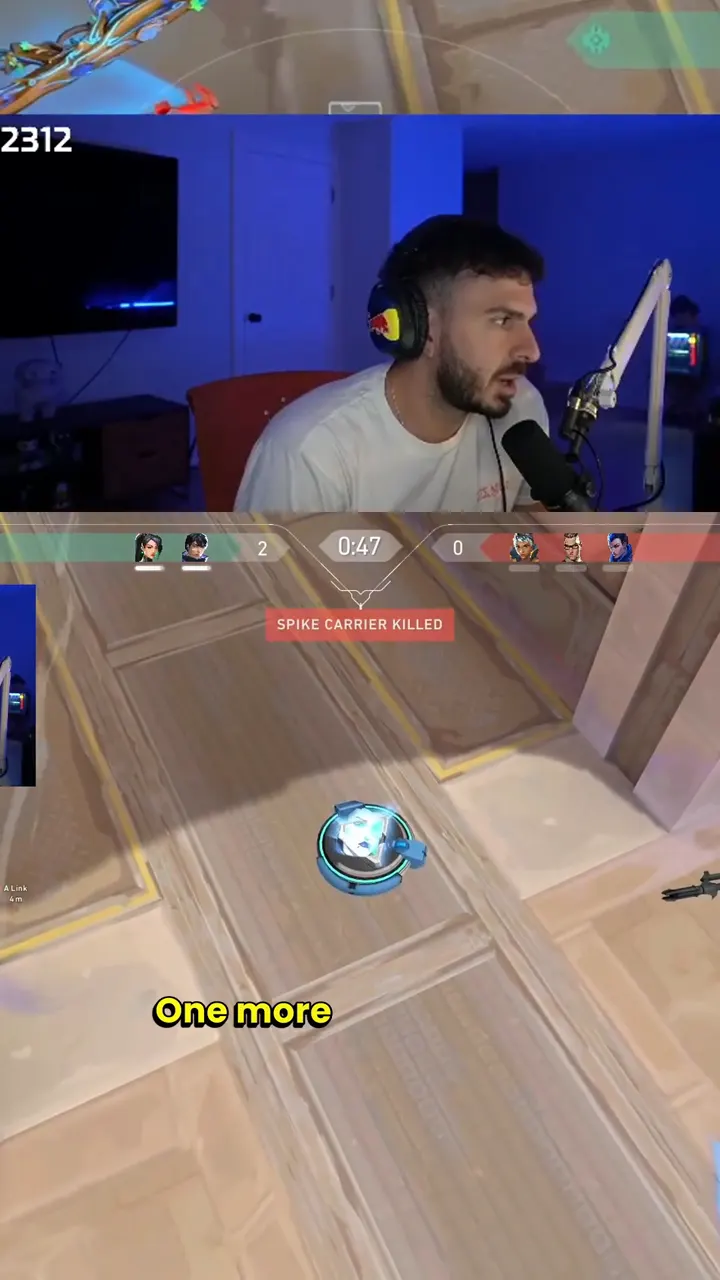
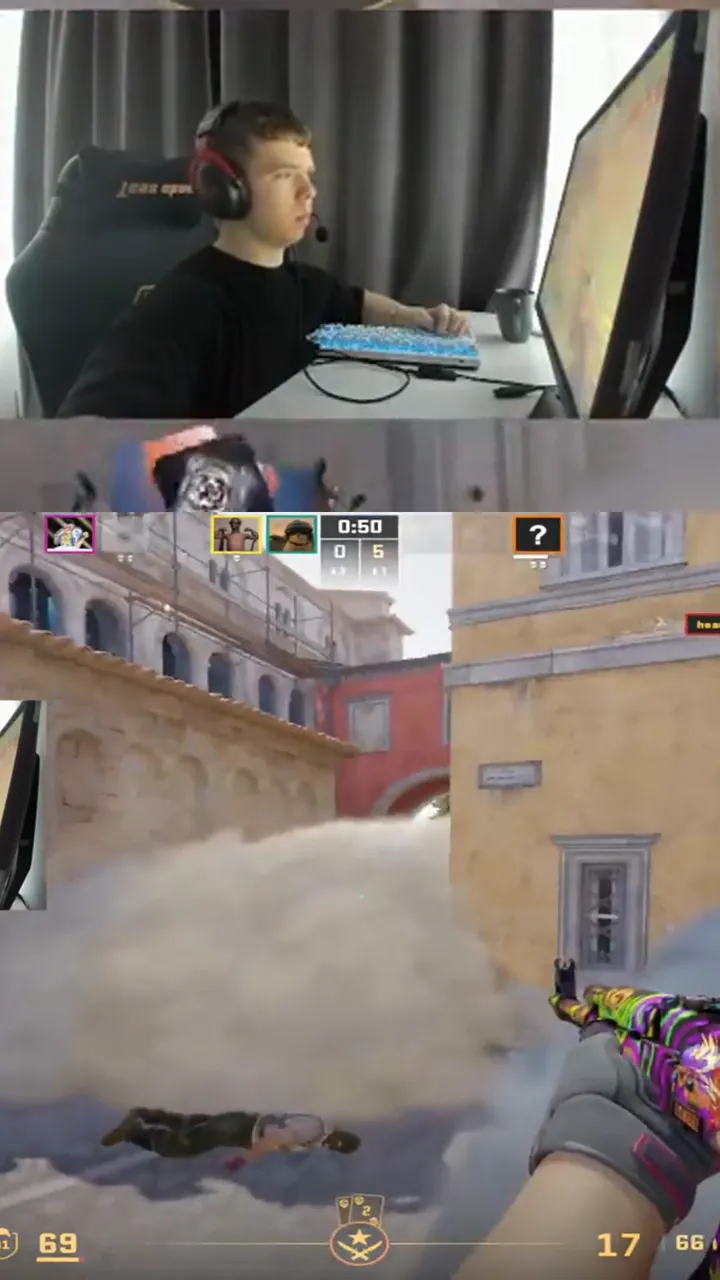
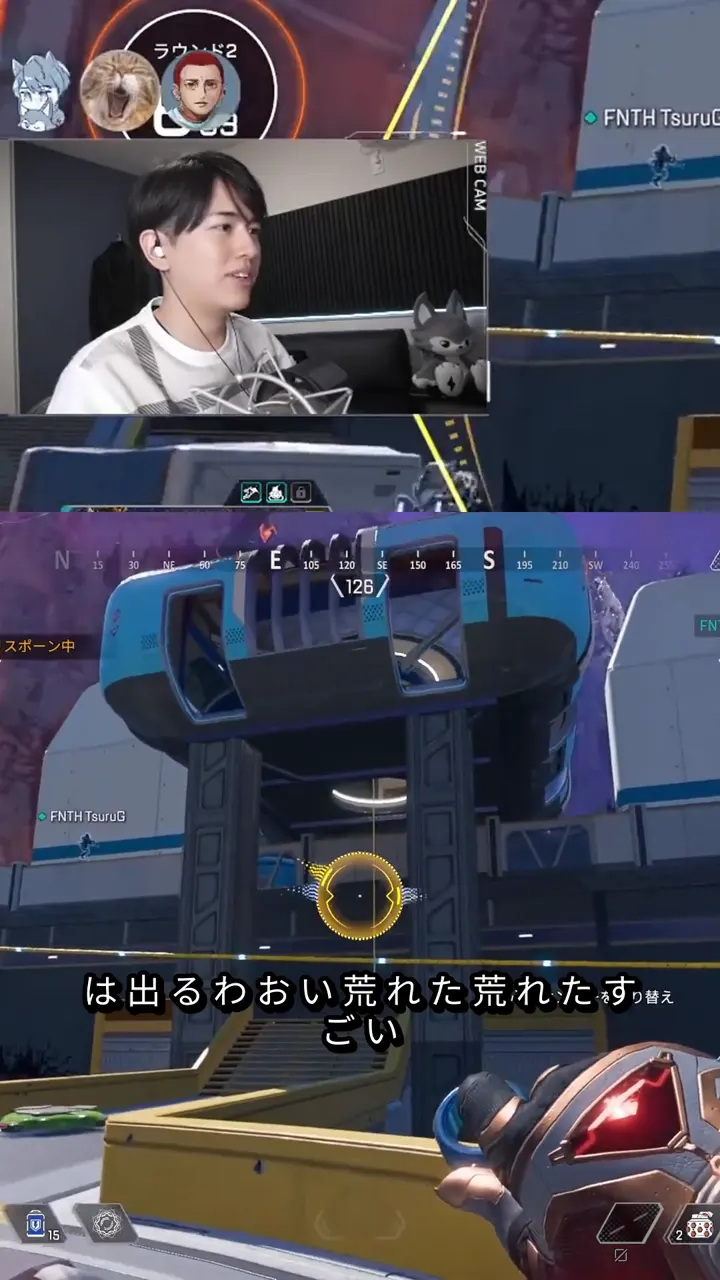
What is clipping software
Clipping software turns hours of footage into a handful of short, shareable clips. Without it you scrub through a recording by hand, mark the kills, aces and funny moments, then crop and export each one.
The category splits in two. Recorders such as Medal and OBS capture clips while you play. Post-match tools such as FragCut scan a finished recording or Twitch VOD, detect the highlights, and cut them for you.
How to choose
Do you need live recording, or do you already have the footage?
Live recording needs a desktop app. Existing footage can go through a browser tool.
Which games do you play?
Some tools are tuned for one title, others work on any game. Shooters give the clearest highlight signals.
Where will the clips go?
TikTok, Reels and Shorts need 9:16 vertical output with captions.
What is your budget?
Free tiers usually add a watermark, a resolution cap or a clip limit.
How FragCut does it
FragCut is a post-match tool. Upload a local recording or paste a Twitch VOD, and it detects the highlights, then cuts them into 9:16 1080x1920 H.264 clips.
It works on any game, with extra tuning for FPS and shooter titles, most of all Valorant. It runs in the browser, so there is nothing to install. Your first match is analyzed free, and your top highlight comes back as a watermarked clip before you pay for anything.
FragCut does not record live. If you want background capture while you play, use a recorder such as Medal and bring the footage to FragCut afterwards.
How much time does it save
Enter the length of a recording to compare hand editing with FragCut.
Manual editing
3.5 h
FragCut
0.25 h
Estimate: manual editing ≈ 1.5× footage length + 30 min of export; FragCut ≈ 15 min of review.
Clipping software questions
What is clipping software?
Clipping software finds the best moments in a long gameplay recording or stream and cuts them into short clips you can post. Some tools record live while you play; others scan a recording after the match.
What is the difference between a recorder and a post-match clipper?
A recorder such as Medal or OBS captures video while you play. A post-match clipper such as FragCut or Eklipse scans footage you already have and picks out the highlights. Many players use both.
Does FragCut work on any game?
Yes. FragCut processes any game, with extra tuning for FPS and shooter titles such as Valorant, CS2, Apex Legends and Warzone. Valorant has the deepest tuning. Other genres (MOBAs, battle royales, survival, sandbox) use the general model.
How much does FragCut cost?
Your first match is analyzed free and you get your top highlight as one watermarked clip. After that, Creator is $19.99 per month for 30 matches and Pro is $49.99 per month for unlimited matches. Every payment has a 14-day refund window.
What formats does FragCut accept and export?
Upload a local recording (MP4, MOV, WebM or MKV) or paste a Twitch VOD link. Clips export as 9:16 1080x1920 H.264 MP4 files with captions.
Find your highlights
Upload a recording or paste a Twitch VOD. Your first match gets a free analysis.