
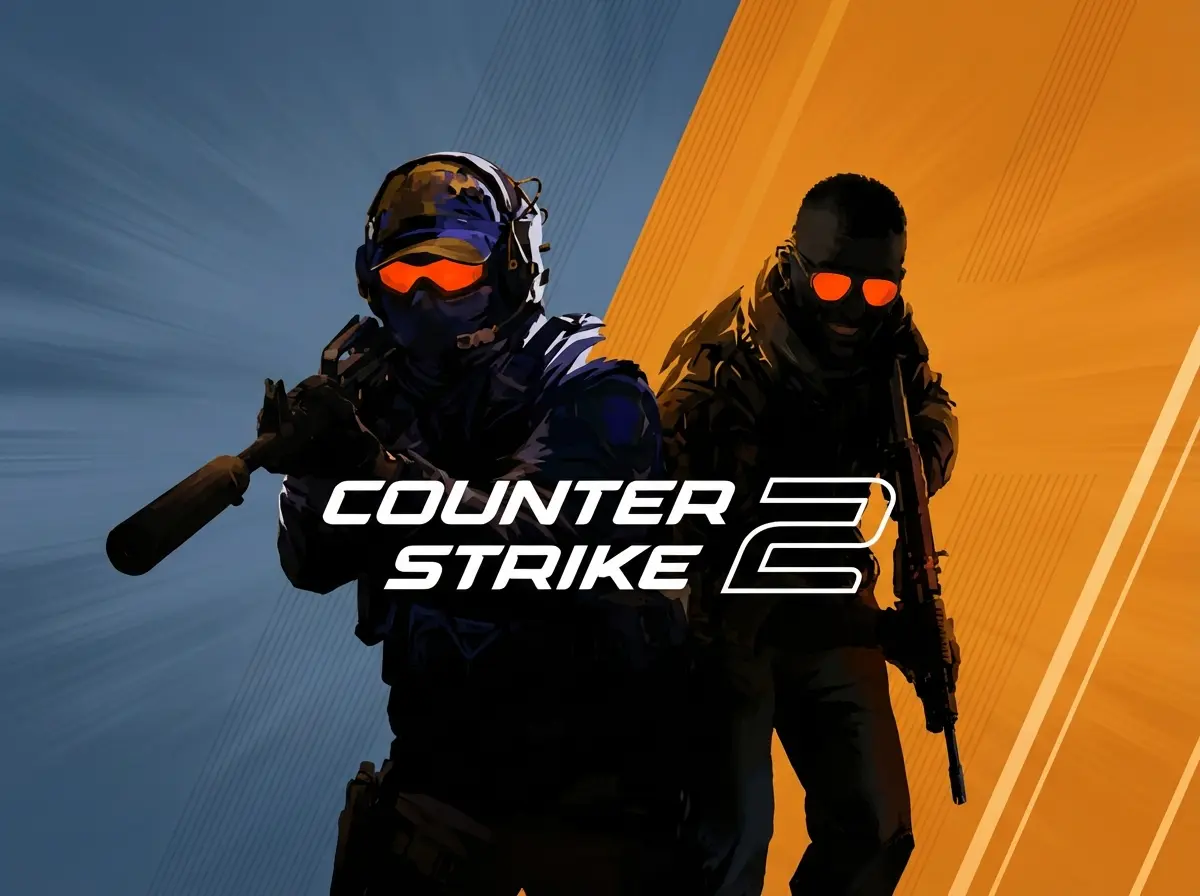
Counter-Strike 2
Clip Maker
Why Choose FragCut for Counter-Strike 2
AI Tuned for CS2
The AI is tuned for CS2. It detects AWP flicks, AK spray transfers, and utility lineups.
Fast Processing
Upload your 90-minute Premier match and get 5-8 clips automatically. For local uploads, processing typically takes 15-30 minutes. The AI finds ninja defuses, eco wins, and AWP kills while you queue for your next game.
Format Options
Choose vertical (9:16) for TikTok or horizontal (16:9) for YouTube. Subtitles are burned in automatically.
Counter-Strike 2 Highlights
From Stream to Socials in 3 Steps
Upload or Import
Upload video files (MP4, MOV, WebM, MKV) or paste a Twitch URL. Supports up to 4 hours of footage.
AI Finds Highlights
The AI analyzes your gameplay, finds highlight moments, and creates vertical clips for TikTok and Shorts.
Download and Post
Review your clips and download them. Post directly to TikTok, Shorts, and Reels.
Frequently Asked Counter-Strike 2 Questions
What is a Counter-Strike 2 clip maker?
A Counter-Strike 2 clip maker is AI software that detects and extracts highlight moments from gameplay recordings—AWP flicks, aces, clutches, and spray transfers. Upload your video and get clips automatically.
Can FragCut detect CS2-specific moments like eco round wins and ninja defuses?
Yes. The AI detects eco wins, ninja defuses, AWP double-kills, AK spray transfers, and USP one-taps.
Does FragCut work with CS2 matchmaking, FACEIT, and ESEA demos?
Yes. FragCut processes matchmaking replays, FACEIT matches, ESEA games, and tournament VODs.
Can FragCut clip Counter-Strike 2 gameplay?
Yes. FragCut supports Counter-Strike 2 with AI highlight detection. Upload your video and get clips ready for download. The AI finds: AWP highlight shots, Ace rounds (1v5 team wipes), Clutch situations (1v2, 1v3, 1v4), and more.
What Counter-Strike 2 moments does FragCut detect?
The AI detects: • AWP highlight shots • Ace rounds (1v5 team wipes) • Clutch situations (1v2, 1v3, 1v4) • Deagle one-tap headshots • Multi-kill sprees (3K, 4K) • Spray transfer kills • Flash assists & entry frags • Ninja defuses.
How long does it take to clip my Counter-Strike 2 video?
Processing typically takes 15-30 minutes depending on video length. For Twitch URL imports, additional time is required to download the video before processing begins. You get multiple clips ready for TikTok, Reels, and Shorts. Choose vertical (9:16) or horizontal (16:9). Subtitles included.
Can I download my Counter-Strike 2 clips?
Yes. Download as MP4 files (H.264, 30fps). No watermarks on paid plans. You own all your content.
What video formats does FragCut support?
MP4, MOV, AVI, and other common formats. Upload your Counter-Strike 2 gameplay recording (up to 4 hours) and the AI finds the highlights.
Comparing clipping software for Counter-Strike 2? See the best Medal alternatives and Eklipse alternatives.
More AI Clip Makers
Valorant
Overwatch 2
Delta Force
League of Legends
Dota 2
Grand Theft Auto V
Call of Duty: Warzone
Escape from Tarkov
Valorant
Overwatch 2
Delta Force
League of Legends
Dota 2
Grand Theft Auto V
Call of Duty: Warzone
Escape from Tarkov
Valorant
Overwatch 2
Delta Force
League of Legends
Dota 2
Grand Theft Auto V
Call of Duty: Warzone
Escape from Tarkov
Ready to Clip Your Clutches?
Counter-Strike players use FragCut to clip their competitive matches.
Start Clipping Now