

Fortnite
Clip Maker
Why Choose FragCut for Fortnite
AI-Powered Detection
The AI is tuned to catch Victory Royales, build battles, and high-kill games. It picks up on box fights and clutch 1v3 plays. No manual scrubbing through hours of footage.
Fast Processing
Upload your Fortnite recordings and get clips back quickly. For local uploads, processing typically takes 15-30 minutes. The system runs through full matches on its own, pulling out every Victory Royale and highlight while you queue for the next game.
Share-Ready Format
Clips come ready for TikTok, YouTube Shorts, and Instagram Reels. Subtitles are already burned in, and everything's formatted to 9:16 vertical for mobile screens.
Fortnite Highlights
From Stream to Socials in 3 Steps
Upload or Import
Upload video files (MP4, MOV, WebM, MKV) or paste a Twitch URL. Supports up to 4 hours of footage.
AI Finds Highlights
The AI analyzes your gameplay, finds highlight moments, and creates vertical clips for TikTok and Shorts.
Download and Post
Review your clips and download them. Post directly to TikTok, Shorts, and Reels.
Frequently Asked Fortnite Questions
What is a Fortnite clip maker?
A Fortnite clip maker is software that automatically finds and pulls highlight moments from your gameplay recordings. Think Victory Royales, high eliminations, build battles, and clutch plays. Instead of spending hours scrubbing through footage, you upload your video and get social-ready clips in minutes.
Can FragCut detect Fortnite-specific gameplay like build battles and box fights?
Yes. FragCut is trained on Fortnite mechanics, so it recognizes build battles, box fights, and edit plays. It catches intense building fights, close-quarters combat, and advanced moves like quick edits and reset plays. Combined with Victory Royale and elimination detection, it gets most of your best moments.
Does FragCut work with Fortnite Battle Royale, Zero Build, and Creative modes?
Yes. FragCut handles any Fortnite gameplay—Battle Royale (with or without building), Zero Build mode, Creative maps, and Arena matches. It works the same on casual games, competitive ranked, and tournament footage.
Can FragCut clip Fortnite gameplay?
Yes. FragCut supports Fortnite with AI highlight detection. Upload your video and get clips ready for download. The AI finds: Victory Royale finishes, High elimination rounds (10+ kills), Build battles & edit plays, and more.
What Fortnite moments does FragCut detect?
The AI detects: • Victory Royale finishes • High elimination rounds (10+ kills) • Build battles & edit plays • Clutch 1vX situations • Box fight highlights • Sniper eliminations • Squad wipes • Hot drop action.
How long does it take to clip my Fortnite video?
Processing typically takes 15-30 minutes depending on video length. For Twitch URL imports, additional time is required to download the video before processing begins. You get multiple clips ready for TikTok, Reels, and Shorts. Choose vertical (9:16) or horizontal (16:9). Subtitles included.
Can I download my Fortnite clips?
Yes. Download as MP4 files (H.264, 30fps). No watermarks on paid plans. You own all your content.
What video formats does FragCut support?
MP4, MOV, AVI, and other common formats. Upload your Fortnite gameplay recording (up to 4 hours) and the AI finds the highlights.
Comparing clipping software for Fortnite? See the best Medal alternatives and Eklipse alternatives.
More AI Clip Makers
Valorant
Apex Legends
Deadlock
Marvel Rivals
Dota 2
Grand Theft Auto V
Call of Duty: Warzone
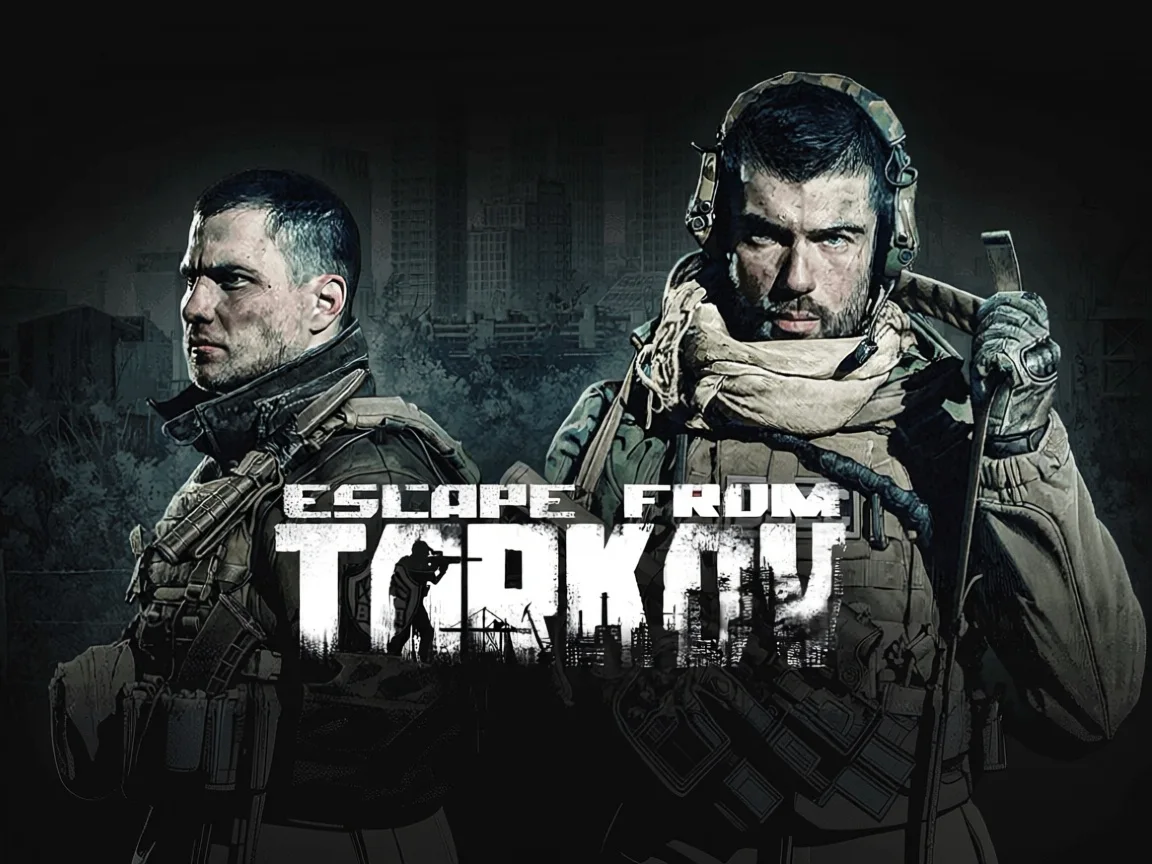
Escape from Tarkov
Valorant
Apex Legends
Deadlock
Marvel Rivals
Dota 2
Grand Theft Auto V
Call of Duty: Warzone
Escape from Tarkov
Valorant
Apex Legends
Deadlock
Marvel Rivals
Dota 2
Grand Theft Auto V
Call of Duty: Warzone
Escape from Tarkov
Ready to Clip Your Victory Royales?
Upload your Fortnite gameplay and we'll find every highlight
Start Clipping Now