
Overwatch 2
Clip Maker
Why Choose FragCut for Overwatch 2
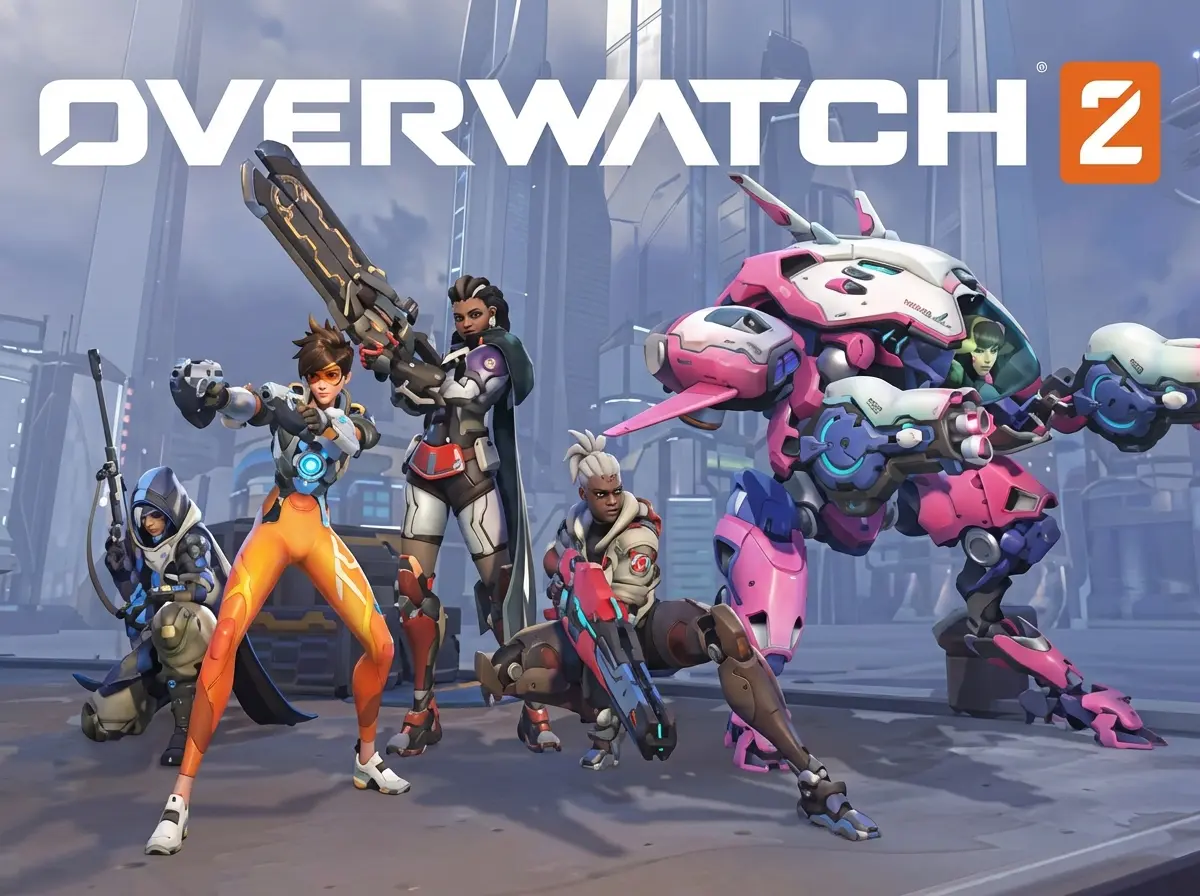
Hero-Specific AI Recognition
Our AI recognizes hero-specific highlights. From Genji dragonblades and D.Va bombs to Ana sleep darts and support plays. We catch your best moments across Push, Control, Escort, and Hybrid maps.
Support & Tank Love
We don't just track DPS eliminations. FragCut identifies crucial Mercy resurrects, Reinhardt shatters, Ana anti-heals, and game-changing tank plays that often go unnoticed by generic clip makers. Your support and tank POTG moments finally get recognition.
Viral Vertical Format
Automatically crops Overwatch 2 action to 9:16 for TikTok and Reels while keeping the HUD and ultimate charge visible. AI subtitles capture voice lines and comms. Good for showcasing your rank climb.
Overwatch 2 Highlights
From Stream to Socials in 3 Steps
Upload or Import
Upload video files (MP4, MOV, WebM, MKV) or paste a Twitch URL. Supports up to 4 hours of footage.
AI Finds Highlights
The AI analyzes your gameplay, finds highlight moments, and creates vertical clips for TikTok and Shorts.
Download and Post
Review your clips and download them. Post directly to TikTok, Shorts, and Reels.
Frequently Asked Overwatch 2 Questions
What is an Overwatch 2 clip maker?
An Overwatch 2 clip maker is AI software that automatically detects and extracts highlight moments from your gameplay recordings—including Play of the Game moments, ultimate team wipes, sleep dart shutdowns, and environmental kills. Upload your video and get clips automatically.
Can FragCut detect hero-specific Overwatch 2 plays like Genji blades or Ana sleep darts?
Yes, FragCut's AI recognizes hero-specific ultimate abilities and signature plays. Our system detects Genji dragonblade team wipes, Ana sleep dart shutdowns, Reinhardt earthshatter 5-man stuns, Mercy resurrect clutches, and other hero ultimates that create highlight moments. The AI finds your hero plays.
Does FragCut work with Overwatch 2 competitive, quick play, and custom games?
Yes. FragCut processes any Overwatch 2 video content including competitive matches, quick play games, arcade modes, and custom game footage. Our AI works across all game modes and skill ranks from Bronze to Grandmaster.
Can FragCut clip Overwatch 2 gameplay?
Yes. FragCut supports Overwatch 2 with AI highlight detection. Upload your video and get clips ready for download. The AI finds: Play of the Game (POTG), Ultimate team wipes, Nano-Blade combos, and more.
What Overwatch 2 moments does FragCut detect?
The AI detects: • Play of the Game (POTG) • Ultimate team wipes • Nano-Blade combos • Sleep Dart shutdowns • Environmental boops • Widowmaker headshots • Kiriko Suzu saves • Tracer pulse bombs.
How long does it take to clip my Overwatch 2 video?
Processing typically takes 15-30 minutes depending on video length. For Twitch URL imports, additional time is required to download the video before processing begins. You get multiple clips ready for TikTok, Reels, and Shorts. Choose vertical (9:16) or horizontal (16:9). Subtitles included.
Can I download my Overwatch 2 clips?
Yes. Download as MP4 files (H.264, 30fps). No watermarks on paid plans. You own all your content.
What video formats does FragCut support?
MP4, MOV, AVI, and other common formats. Upload your Overwatch 2 gameplay recording (up to 4 hours) and the AI finds the highlights.
Comparing clipping software for Overwatch 2? See the best Medal alternatives and Eklipse alternatives.
More AI Clip Makers
Valorant
Apex Legends
Delta Force
League of Legends
Dota 2
Grand Theft Auto V
Call of Duty: Warzone
Escape from Tarkov
Valorant
Apex Legends
Delta Force
League of Legends
Dota 2
Grand Theft Auto V
Call of Duty: Warzone
Escape from Tarkov
Valorant
Apex Legends
Delta Force
League of Legends
Dota 2
Grand Theft Auto V
Call of Duty: Warzone
Escape from Tarkov
Ready to Clip Your POTGs?
Join Overwatch players who are use FragCut to clip their ranked games .
Start Clipping Now