
Delta Force
Clip Maker
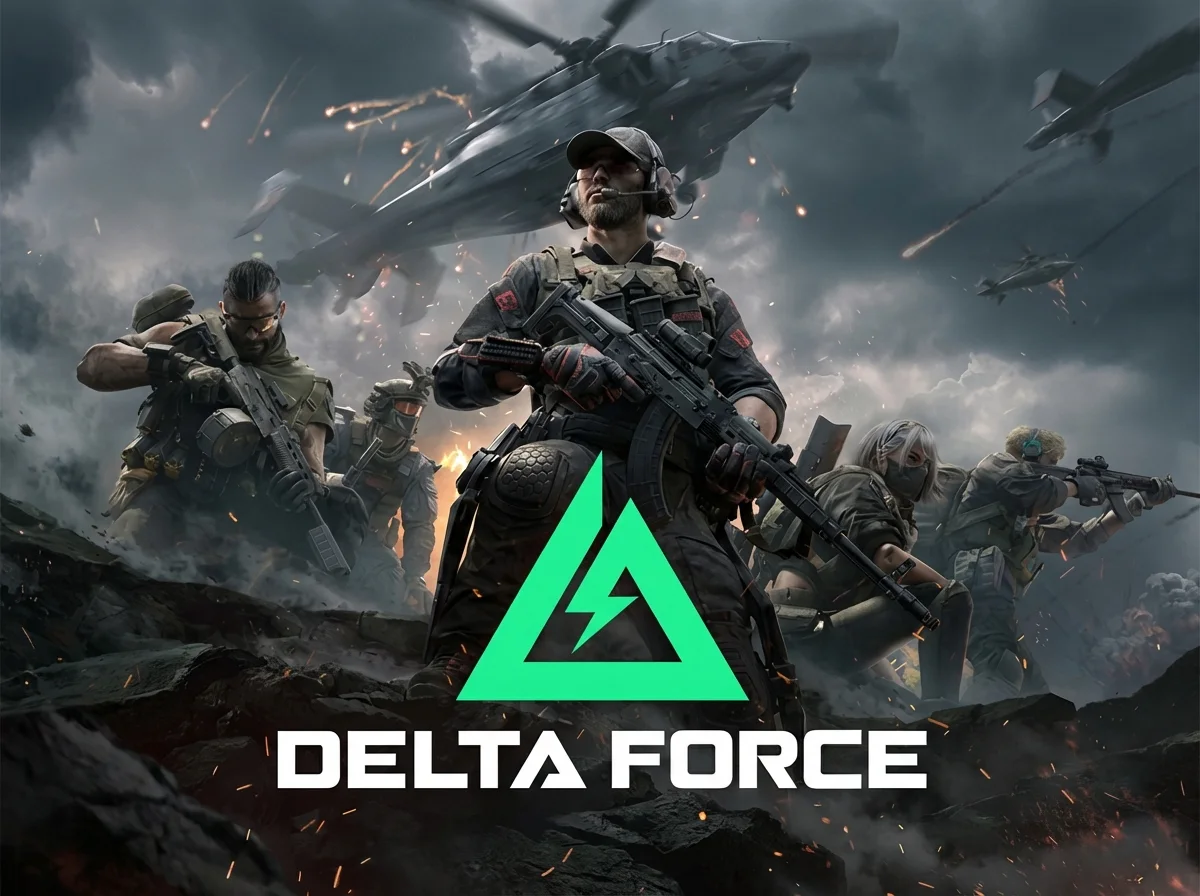
Why Choose FragCut for Delta Force
Tactical Moment Detection
AI identifies squad wipes, extractions, and clutch plays automatically. Built specifically for Delta Force's unique extraction shooter mechanics and tactical gameplay.
Stream-Ready Clips
Generate perfectly timed highlights from your Operations and Black Hawk Down runs. Export in formats optimized for Twitch, YouTube, and TikTok.
Fast Processing
Upload your Delta Force gameplay and receive highlight clips quickly. The AI finds squad wipes, extractions, and clutch moments while you queue for your next match.
Delta Force Highlights
From Stream to Socials in 3 Steps
Upload or Import
Upload video files (MP4, MOV, WebM, MKV) or paste a Twitch URL. Supports up to 4 hours of footage.
AI Finds Highlights
The AI analyzes your gameplay, finds highlight moments, and creates vertical clips for TikTok and Shorts.
Download and Post
Review your clips and download them. Post directly to TikTok, Shorts, and Reels.
Frequently Asked Delta Force Questions
What is a Delta Force clip maker?
A Delta Force clip maker is an AI-powered tool that automatically detects and extracts highlight moments from your gameplay footage. It identifies key events like squad wipes, successful extractions, clutch plays, and tactical victories, creating shareable clips automatically.
Does it work with both Operations and Black Hawk Down modes?
Yes, our AI clip maker works with all Delta Force game modes including Operations (extraction shooter), Black Hawk Down campaign, and PvE Raid missions. It adapts to different gameplay styles and objectives, detecting mode-specific highlights like successful extractions, objective captures, and campaign milestones.
How does the AI detect Delta Force highlights?
Our AI analyzes gameplay footage for tactical indicators like elimination streaks, extraction sequences, last stand situations, and objective completions. It recognizes Delta Force-specific mechanics such as squad positioning, extraction zone rushes, and firefight intensity to identify the most exciting moments worth clipping.
Can FragCut clip Delta Force gameplay?
Yes. FragCut supports Delta Force with AI highlight detection. Upload your video and get clips ready for download. The AI finds: Squad Wipe, Successful Extraction, Clutch 1v3, and more.
What Delta Force moments does FragCut detect?
The AI detects: • Squad Wipe • Successful Extraction • Clutch 1v3 • Headshot Streak • Last Stand Victory • Perfect Flank • Helicopter Escape • Objective Capture.
How long does it take to clip my Delta Force video?
Processing typically takes 15-30 minutes depending on video length. For Twitch URL imports, additional time is required to download the video before processing begins. You get multiple clips ready for TikTok, Reels, and Shorts. Choose vertical (9:16) or horizontal (16:9). Subtitles included.
Can I download my Delta Force clips?
Yes. Download as MP4 files (H.264, 30fps). No watermarks on paid plans. You own all your content.
What video formats does FragCut support?
MP4, MOV, AVI, and other common formats. Upload your Delta Force gameplay recording (up to 4 hours) and the AI finds the highlights.
Comparing clipping software for Delta Force? See the best Medal alternatives and Eklipse alternatives.
More AI Clip Makers
Valorant
Apex Legends
Deadlock

League of Legends
Dota 2
Grand Theft Auto V
Call of Duty: Warzone
Escape from Tarkov
Valorant
Apex Legends
Deadlock
League of Legends
Dota 2
Grand Theft Auto V
Call of Duty: Warzone
Escape from Tarkov
Valorant
Apex Legends
Deadlock
League of Legends
Dota 2
Grand Theft Auto V
Call of Duty: Warzone
Escape from Tarkov
Ready to Clip Your Best Tactical Plays?
Turn your Delta Force gameplay into ready-to-post clips with AI.
Start Clipping Now