Best Opus Clip Alternative for Gaming Streams
A clear comparison for Twitch streamers weighing Opus Clip, FragCut, and manual clipping.
If most of your footage is Twitch VODs, clutch rounds, funny chat reactions, and long gameplay sessions, FragCut is the more focused Opus Clip alternative for gaming. If you mostly publish podcasts, interviews, lessons, or talking-head videos, Opus Clip may still be the better fit.
Opus Clip is a strong repurposing tool. Its official site lists AI clipping, captions, reframing, scheduling, and Twitch source support on Pro plans. So the question is not whether Opus Clip can process a Twitch video. The question is whether its short-form workflow lines up with how gaming creators pick moments worth posting.
Quick Decision Table
| Your source footage | Best fit | Why | Watch out for |
|---|---|---|---|
| Twitch VODs, ranked gameplay, long stream recordings | FragCut | Better fit when you need gameplay-aware clip candidates, fast review, and vertical exports from a stream session. | Still review each clip for context, pacing, and payoff. |
| Podcasts, interviews, commentary, coaching videos | Opus Clip | Strong fit for spoken videos where the main signal is conversation, captions, and speaker framing. | Gameplay with low speech or quiet tension can need more manual review. |
| You already know the exact timestamps | Manual editor | Fastest when you only need three known moments and custom edits. | Does not reduce the work of finding highlights in a full VOD. |
| Multi-brand team posting across many accounts | Opus Clip or a social suite | Useful if templates, scheduling, and approval flow matter more than gameplay event review. | Can add extra steps for solo streamers who just need clips after each stream. |
| Valorant, Apex, Fortnite, Soulslike, or Rocket League streams | FragCut plus creator review | Use AI to surface candidates, then choose based on stakes, scoreboard, POV, chat, and payoff. | No AI should publish every detected moment without a human pass. |
Why an Opus Clip Alternative for Gaming Needs Different Signals
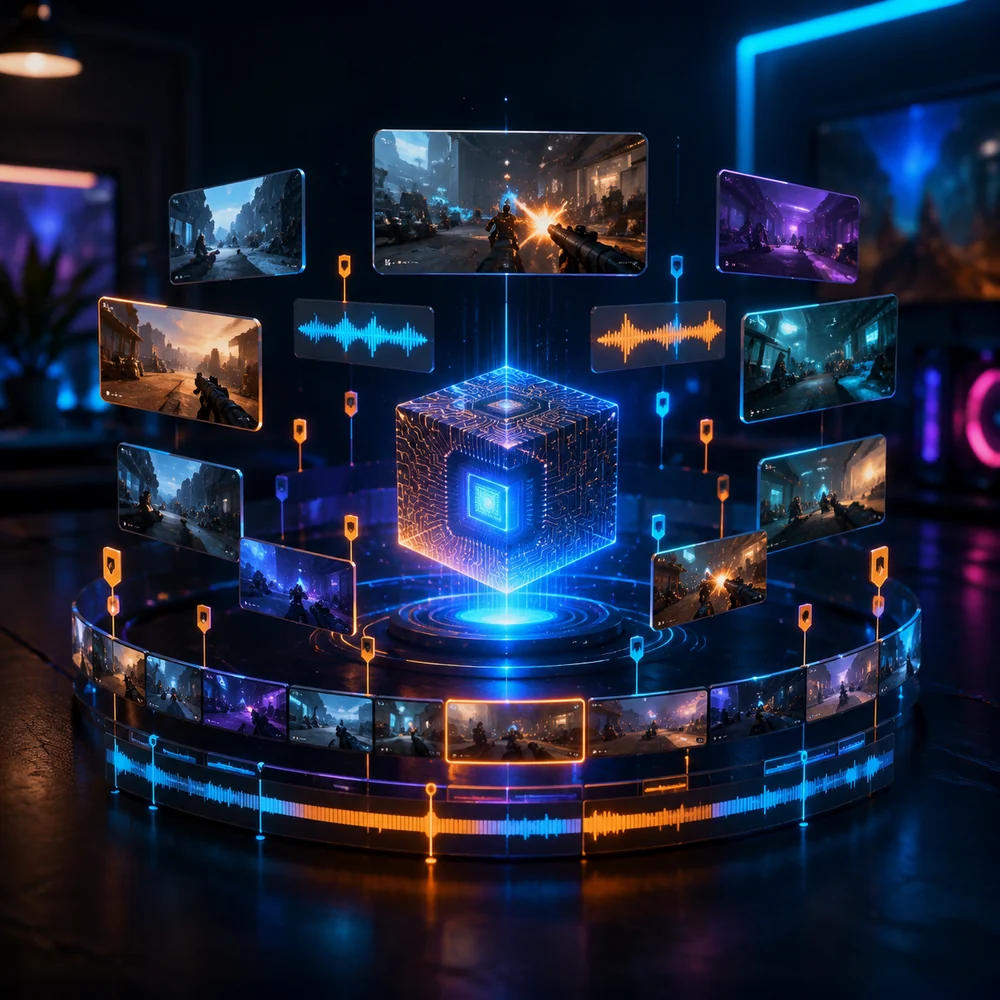
Gaming clips do not always start with a clean sound bite. A Valorant 1v3 might begin with thirty quiet seconds of repositioning. An Apex squad wipe may only make sense if the viewer catches the shield breaks, movement, and teammate comms. A Minecraft highlight might be the chat reaction after a risky build finally works.
That is why an AI clip maker for gaming streams has to read more than the transcript. The best clip is often not the loudest moment. It is the one with a setup, a visible challenge, a payoff, and enough context for someone who did not watch the live stream.
- Kill feed, round score, boss health, timer pressure, and teammate comms can matter as much as speech.
- A clip needs enough lead-in for the viewer to understand the stakes before the payoff lands.
- Facecam and gameplay framing should keep the action visible, not only the speaker centered.
- Good gaming clips often need creator judgment because inside jokes and chat history can change the value of a moment.
Where Opus Clip Still Makes Sense
Use Opus Clip when your stream content works like a spoken video. If you run a gaming podcast, post creator advice, review patch notes on camera, or make educational breakdowns, Opus Clip can be practical because the strongest segments usually come from speech.
Opus Clip for Twitch can also make sense if your stream has long Just Chatting sections, interviews with other creators, or commentary where captions and speaker framing do most of the editing work. In that case, you are repurposing a discussion, not searching a gameplay VOD for a clutch.
Where FragCut Fits Gaming Streams Better
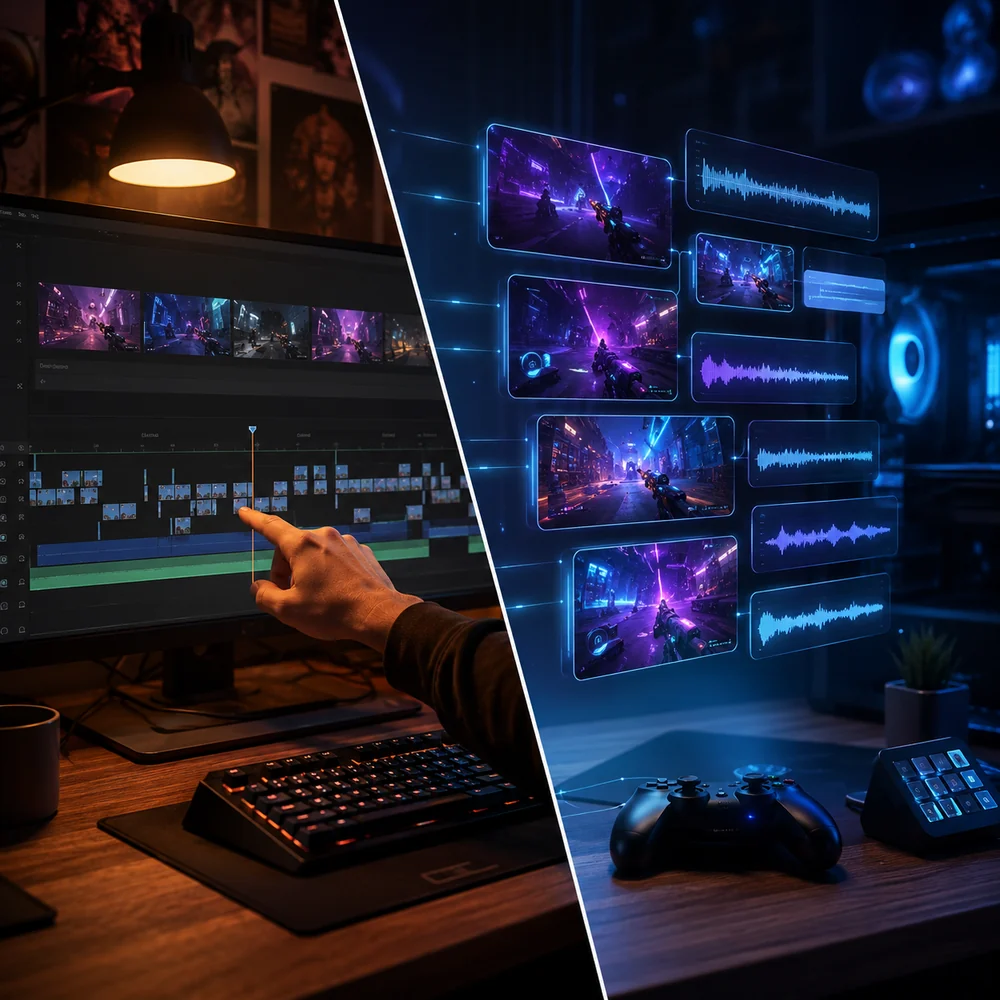
FragCut fits better when the hard part starts after the stream: you have a two-to-four-hour VOD and need usable short-form clips before the next broadcast. That is not the same as uploading a polished long-form video and asking a tool to split it into social posts.
For gaming creators, speed matters because the backlog piles up quickly. If you stream five nights a week, manual review can become a second job. A focused workflow should help you scan candidates, reject weak moments, trim around the payoff, and export vertical clips without rebuilding every edit from scratch.
If you are still choosing the full stack, compare the broader buying criteria in best clipping software for gaming before locking in a tool.
Twitch VOD Workflow: What to Check Before You Choose
A Twitch-first workflow starts with VOD access. Twitch's Video on Demand help explains that past broadcast storage must be enabled and that retention depends on account type. That matters because no clipping tool can help if your VOD expires before you process it.
Before comparing prices, check the unglamorous parts of the workflow. These are the details that decide whether a tool becomes part of your routine or turns into another tab you stop opening after two weeks.
- Can you process the VOD before it expires for your Twitch account type?
- Can you handle a full stream recording without cutting it into small files first?
- Can you review possible clips fast enough to keep up with your schedule?
- Can you trim the setup and payoff without moving to a full editing timeline every time?
- Can you export a vertical version that keeps gameplay, captions, and facecam readable?
Export Fit for Shorts, TikTok, and Reels
A strong clip candidate can still fall flat if the export is wrong. YouTube's Shorts upload help says Shorts uploaded from a computer can be up to three minutes and should use a square or vertical aspect ratio. That gives gaming creators room for more than a six-second kill, but it does not mean every clip should run long.
Most gaming posts should start late enough to avoid dead air and early enough to explain the stakes. A Valorant ace needs the score state or the first pick. A Fortnite endgame needs the zone pressure. A boss fight clip needs the health bar, the near-death moment, and the win.
When to Choose FragCut
Choose FragCut when your main job is turning gaming sessions into clips, not repurposing polished talking-head content. If your workflow depends on VOD review, gameplay stakes, and fast publishing, a gaming-first clipping tool is the better match.
- You stream mostly gameplay on Twitch and need clips after each broadcast.
- You want to review AI-suggested moments instead of scrubbing the whole VOD manually.
- Your best posts come from clutch plays, failures, funny team comms, and chat reactions.
- You need vertical clips for TikTok, YouTube Shorts, and Instagram Reels.
- You are a solo creator or small team without a dedicated editor for every stream.
- You care more about finding the right moment than running a large social scheduling operation.
When to Choose Opus Clip
Choose Opus Clip when the content is closer to a creator talk, interview, podcast, course, or commentary segment. It can work well when speech carries the clip and you want broad repurposing features in one workspace.
- Your Twitch content includes long Just Chatting sections or interviews.
- You publish creator advice, patch discussions, or coaching breakdowns where captions drive retention.
- You want an all-purpose short-form workflow for several non-gaming formats.
- Your team values templates, scheduling, and broader repurposing features.
- You already edit gameplay highlights somewhere else and only need help with spoken segments.
Who Should Avoid Each Option
Do not treat either tool like a magic publish button. Gaming clips still need taste. A tool can cut search time, but it cannot always know whether your audience cares about a month-old meme, a rival player, or a chat joke.
| Tool | Who should avoid it | Reason |
|---|---|---|
| FragCut | Creators who only post podcasts, webinars, and talking-head clips | A gaming-first workflow may be more focused than they need. |
| FragCut | Editors who already receive exact timestamps from a producer | Manual editing may be faster when discovery is already solved. |
| Opus Clip | Streamers whose best content is gameplay with limited speech | The broad repurposing workflow may miss why the moment matters. |
| Opus Clip | Solo streamers who only need fast post-stream clip review | Extra social and repurposing features may not reduce the main bottleneck. |
A Practical Test Before You Switch
Do not compare tools with a perfect highlight reel. Use one normal stream. Pick a VOD with dead air, good moments, failed fights, chat jokes, and one or two clips you already know you would post.
- Upload or process the same stream in each workflow.
- Track how long it takes to find five candidate clips.
- Reject anything that lacks context for a cold viewer.
- Export two vertical clips and check readability on a phone.
- Post only the clips you would publish even without AI help.
Bottom Line for Gaming Streamers
For gaming streams, FragCut is the better Opus Clip alternative when the main problem is finding highlights inside Twitch VODs and gameplay footage. Opus Clip still makes sense for spoken content, creator commentary, and broader repurposing. If your channel mixes both, split the workflow: use a gaming-first tool for stream highlights and a general repurposing tool for interviews or commentary.
That keeps the decision grounded in the footage you actually make each week, not the longest feature list.
Related guide: Medal.tv Alternative for Twitch VOD Clips is the next step if you want to connect this workflow to a more specific FragCut clipping setup.
FAQ
What is the best Opus Clip alternative for gaming streams?
FragCut is the better fit when your main source is Twitch VODs or gameplay footage and you need to find highlight candidates quickly. Opus Clip can still be a better choice for podcasts, interviews, Just Chatting segments, and other speech-led videos.
Can I use Opus Clip for Twitch VODs?
Yes. Opus Clip can support Twitch sources in some workflows, but support is not the same as fit. For Twitch gameplay, the harder job is finding moments worth posting inside long VODs, then trimming them with enough context for Shorts, TikTok, or Reels.
Is FragCut only for Twitch streamers?
No. FragCut is useful for gaming creators who work with stream recordings or gameplay footage, whether their audience is on Twitch, YouTube, TikTok, or Instagram. Twitch streamers are a strong fit because VOD review is often the slowest part of the process.
Should I choose an AI clip maker or edit clips manually?
Use AI when you need help finding candidates in a long recording. Edit manually when you already know the exact timestamps or need a custom edit with layered effects, music timing, and tighter pacing.
What should I test before replacing Opus Clip?
Run the same normal VOD through each workflow. Measure how long it takes to find five usable candidates, trim two publishable clips, export vertical versions, and reject weak moments. The better tool is the one that saves time without lowering your posting standard.