Valorant Clipping Software Guide for Streamers
A practical guide to choosing Valorant clipping software for ranked streams, Twitch VODs, agent highlights, and short-form posts.
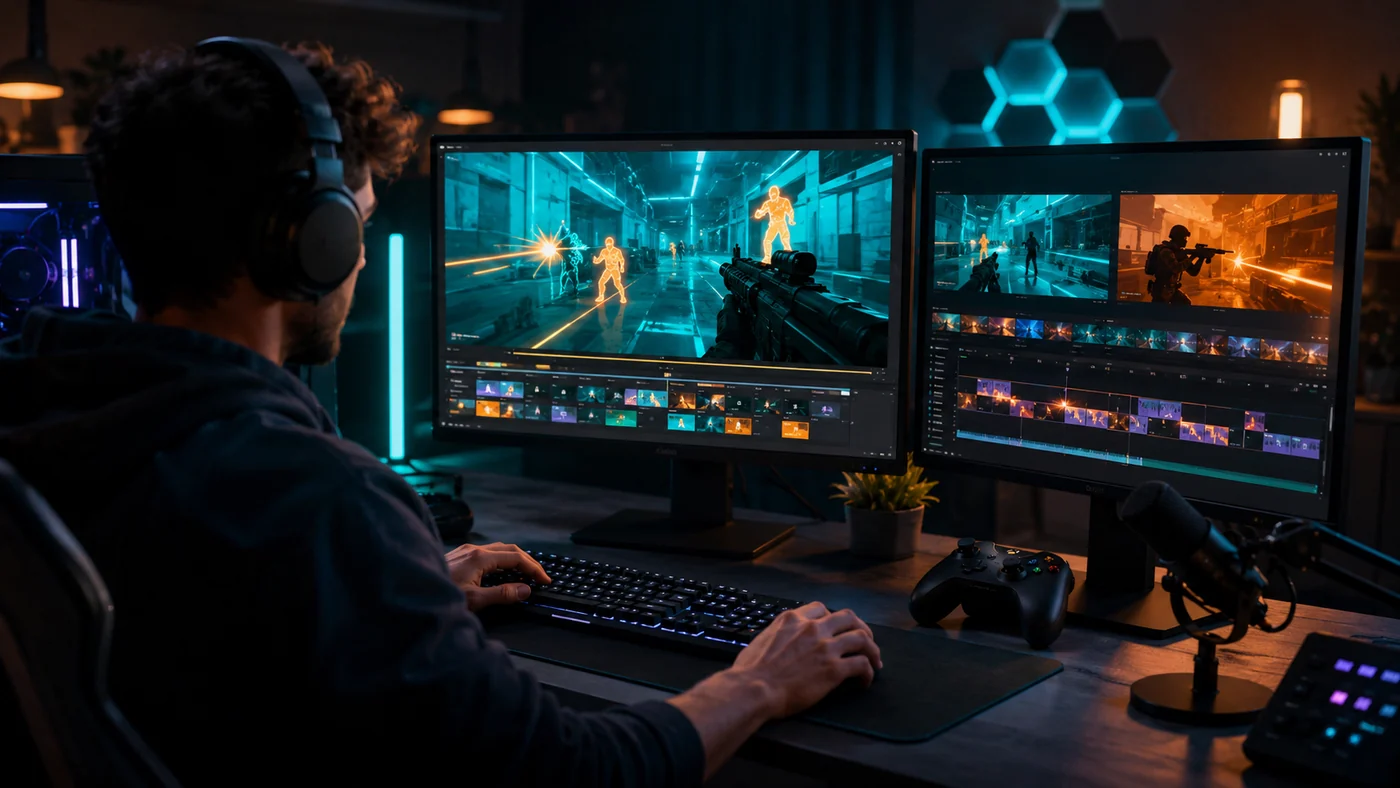
The best Valorant clipping software depends on where your footage comes from. For instant saves during ranked, use a light recorder with a replay buffer. For full Twitch streams, use a Valorant VOD clipper that can help surface aces, clutches, Operator picks, retakes, spike defuses, and agent pop-off rounds.
Valorant clips need context. One kill may not mean much unless it flips the economy, wins a 1v3, opens a site, or saves the round timer. A good Valorant clip maker should help you find why the round mattered, not just the loudest reaction or biggest kill count.
Valorant Clipping Software: What Changes For This Game
Valorant is built around rounds, so the clip usually needs a setup, a tense moment, and a payoff. Riot describes Valorant as a 5v5 tactical shooter with agents, abilities, attack and defense rounds, and one life per round. That structure changes what your software should look for.
In a battle royale, a long tracking fight can carry the clip by itself. In Valorant, the best moment may start before the first kill: a Sova dart that reveals the hit, a Jett dash into site, a Raze satchel entry, a Cypher trip holding flank, or a Killjoy lockdown that forces a retake. Cut too late and the viewer misses why the play worked.
That is why generic recorders and AI VOD clippers serve different jobs. A recorder saves clean footage when you press a hotkey. A VOD clipper helps after stream, when you remember there were good rounds but do not want to scrub through three hours of Haven, Bind, Split, and Ascent.
Choose The Right Capture Layer
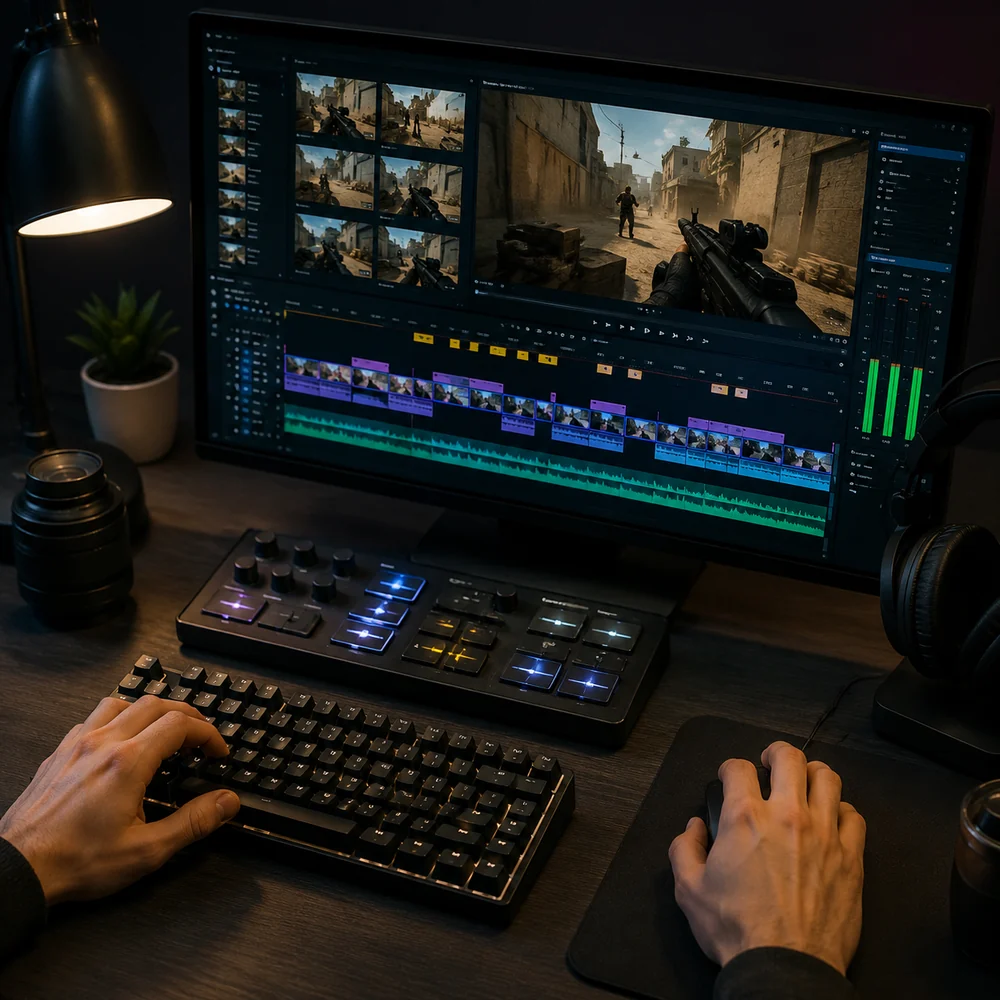
Most Valorant streamers need a capture layer and an editing layer. Capture protects the footage. Editing turns it into something people can watch on TikTok, YouTube Shorts, Reels, or a Discord highlight channel.
| Workflow | Best fit | Valorant use case | Watch out for |
|---|---|---|---|
| Replay buffer recorder | Players who want instant local clips | Saving an ace, Sheriff eco round, Operator opening pick, or 1v2 clutch right after it happens | Missed moments if you forget the hotkey or set the buffer too short |
| Full-session recorder | Creators who want maximum control | Keeping every ranked match for manual review, coaching, or montage edits | Large files and long review sessions |
| AI VOD clipper | Twitch streamers with long broadcasts | Finding high-signal rounds from chat spikes, kill streaks, round wins, and creator reactions | Needs human review for setup, timing, subtitles, and false positives |
| Manual editor | Editors making polished montages | Syncing shots, utility, comms, music, and cinematic pacing | Too slow for daily short-form output |
If you want one polished montage each month, manual editing is still worth the time. If you want three posts per week from ranked streams, a VOD-first workflow is usually faster. For a broader tool breakdown, compare the tradeoffs in best clipping software for gaming before you settle on a stack.
Highlight Signals Worth Tagging In Ranked VODs
Valorant has loud highlights and quiet ones. A clean ace is easy to spot. A late smoke, perfect flash, or disciplined defuse stick can be just as good if the viewer understands the risk. Your clipping workflow should keep enough context for both.
- Aces and 4Ks: Start the clip before the first duel when possible, especially if the player is isolated or low on utility.
- Clutches: Include the player count, spike timer, health, weapon, and last known positions so the viewer understands the pressure.
- Operator picks: Show the angle, the escape route, and whether the pick opens the site or stops the hit.
- Retakes: Keep utility setup in the cut, such as flashes, mollies, recon, smoke fades, and tap pressure.
- Spike defuses: Do not cut straight to the defuse sound. Show why the defender had enough time to stick or fake.
- Agent moments: Jett dash entries, Raze satchel fights, Reyna dismiss chains, Omen outplays, and Yoru fakes need a few seconds of setup.
A Practical Valorant Streamer Workflow
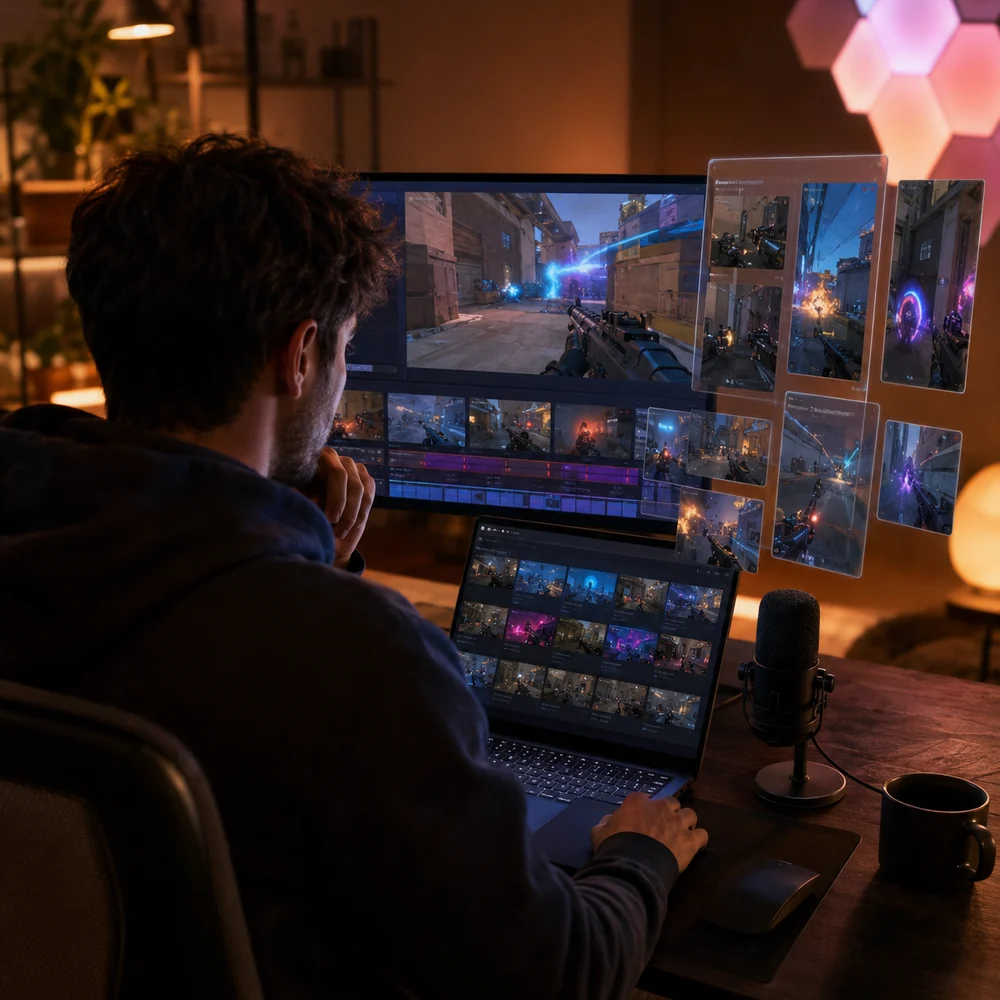
Set up before you queue. Check the stream title, balance game audio against voice comms, and make sure your local or cloud recording is actually running. During the match, mark promising rounds with chat commands, stream markers, or a quick spoken cue like "clip this round".
After stream, review the marked rounds first. If you use Twitch archives, check Twitch's Video on Demand help so you know how long your VODs will stay available. Do not build your clipping process around footage that may expire before you edit it.
For each possible clip, ask three questions. Did this play swing the round? Can a viewer understand it without watching the whole match? Does the ending work for a short-form loop, comment, or replay? If not, save it for a longer recap instead of forcing it into a Short.
If your main source is a Twitch broadcast, use the workflow in turn Twitch VODs into clips to move from full replay to selected moments before you crop, caption, and schedule the final posts.
Settings That Keep Valorant Clips Usable
Record at a quality level that keeps the crosshair, kill feed, minimap, and spike timer readable. Low bitrate can look fine in a desktop preview and still fall apart after platform compression. In ranked Valorant, viewers need to see the angle and timing.
- Use a replay buffer long enough to catch setup. For Valorant, 60 to 120 seconds is often safer than 30 seconds.
- Keep game audio clear, but avoid letting party comms overpower footsteps, spike taps, and ability cues.
- Export a vertical version for short-form feeds, but check that the crosshair, kill feed, and facecam are not covering each other.
- Use captions for short callouts, not every word. Valorant comms can become noisy when transcribed literally.
- Keep the first second active. A scoreboard, buy phase, or dead air opening will cost retention.
For YouTube Shorts, Google's official upload help says Shorts uploaded from desktop should use a square or vertical aspect ratio and can be up to 3 minutes. Shorter is still usually better for one Valorant round unless the setup is unusually strong.
Common Mistakes That Bury Good Valorant Rounds
The most common mistake is cutting too close to the kill. Viewers see the result, but not the decision that led to it. A good Valorant clip often needs the pre-aim, utility pull, teammate contact, or spike timer before the shot lands.
- Starting after the first kill, which removes the setup that made the round impressive.
- Posting every 3K, even when the enemies walk into the crosshair with no real pressure.
- Cropping out the minimap when the retake path or flank timing matters.
- Leaving voice comms too loud, especially when teammates talk over the clutch.
- Using the same hook text on every clip, even when the play is an Operator pick, a defuse, or a chaotic entry.
- Trusting AI picks without reviewing whether the round is understandable to someone who was not in the match.
A useful rule: if the viewer needs the caption to understand the clip, the cut probably starts too late or hides too much of the HUD.
When A Generic Recorder Is Enough
Use a generic recorder if you play off stream, only want personal highlights, or already know which rounds you want. Replay buffer tools work well for ranked sessions where you do not want a full VOD sitting on your drive.
A recorder falls short when your best moments are buried in long broadcasts. If you stream four ranked games, talk between queues, review the scoreboard, and take breaks, manual scrubbing becomes the slow part. A Valorant VOD clipper can narrow the review list before you make the final calls.
When A Valorant VOD Clipper Makes More Sense
Choose a VOD clipper when you stream often and want repeatable output. A good tool should help you find candidate rounds, crop for short-form, add clean captions, and keep enough game context for the clip to make sense.
Do not rely on VOD clipping alone if you need frame-perfect montage edits, cinematic transitions, or heavy sound design. Use the clipper for discovery, then finish the best clips in a dedicated editor.
Troubleshooting Valorant Clip Quality
If your clips feel flat, fix the round selection before changing software. A mid-round 2K with no pressure will rarely beat a tense 1v1, even if the aim looks cleaner. Pick moments where the win condition is obvious.
- If the clip is confusing, add three to five seconds before the first duel.
- If the ending feels weak, cut on the round win, reaction, scoreboard reveal, or quick replay beat.
- If the vertical crop hides information, move the facecam, crosshair, or captions instead of zooming harder.
- If captions look messy, caption only the key callout, reaction, or punchline.
- If AI selects low-value moments, tighten your review criteria around clutches, match point, eco swings, retakes, and agent-specific plays.
The goal is not to pull more clips from every match. It is to publish fewer, clearer clips where the viewer can quickly understand why the round was hard, what changed, and why the final shot, defuse, or retake mattered.
FAQ
What is the best clipping software for Valorant?
It depends on how you record. Use a replay buffer recorder for instant local saves, a full recorder for manual editing, and a Valorant VOD clipper when your best rounds are buried in long Twitch streams.
Should I clip Valorant while playing or after the stream?
Clip while playing if you only need a few highlights and can hit a hotkey reliably. Clip after the stream if you want to review full ranked sessions, catch moments you missed, and turn several rounds into short-form posts.
What Valorant moments are worth clipping?
Aces, 1vX clutches, Operator opening picks, retakes, spike defuses, eco-round wins, match point saves, and agent-specific plays from Jett, Raze, Reyna, Omen, Yoru, and similar agents are usually good candidates.
How long should a Valorant clip be?
Most short-form Valorant clips work best when they are long enough to show the setup and payoff, often around 20 to 60 seconds. A full retake or clutch can run longer if every second helps the viewer follow the round.
Can AI clipping replace manual review for Valorant?
No. AI clipping can cut down review time by finding likely highlight rounds, but Valorant still needs human judgment for setup, round importance, crop placement, captions, and whether the play is worth posting.