
AI Gaming Clip Maker
for Twitch VODs
Turn gameplay uploads into TikTok-ready clips.No editing required.







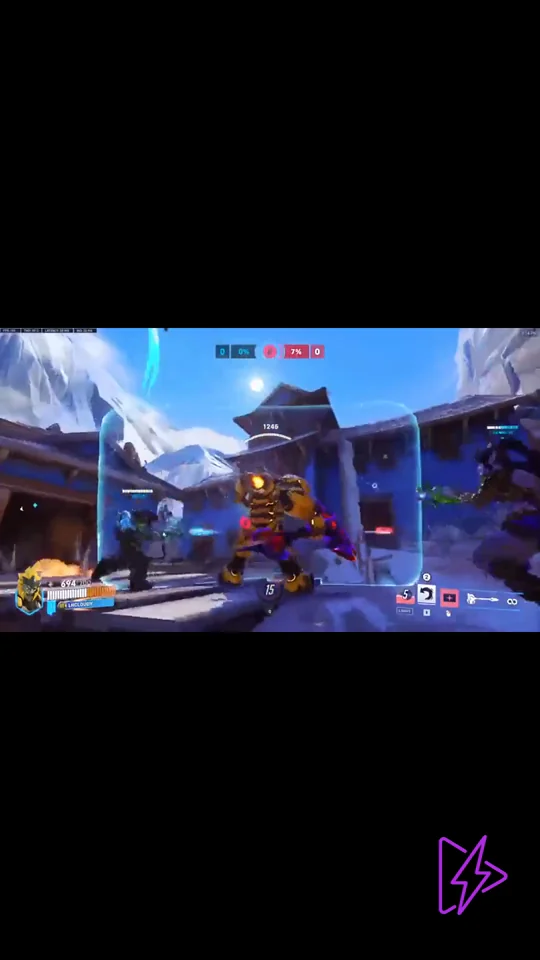
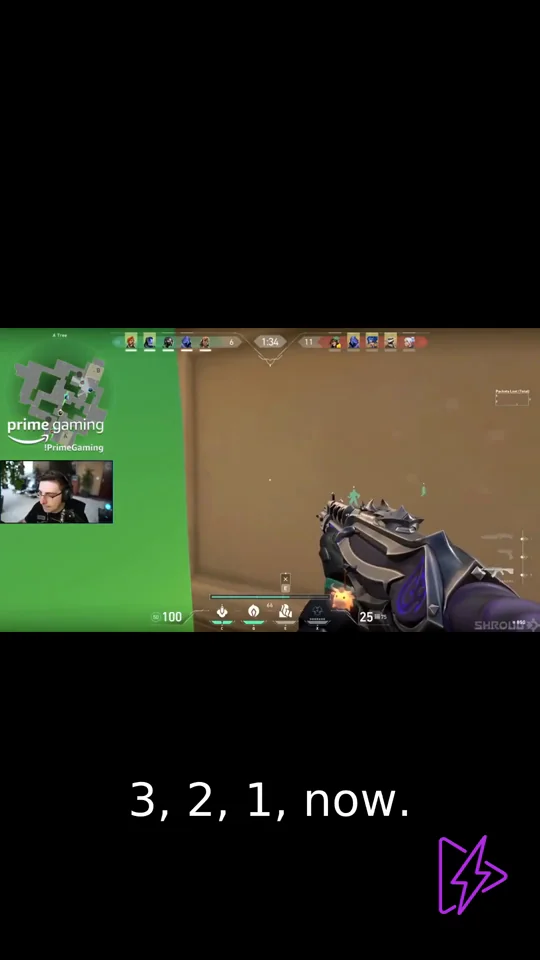
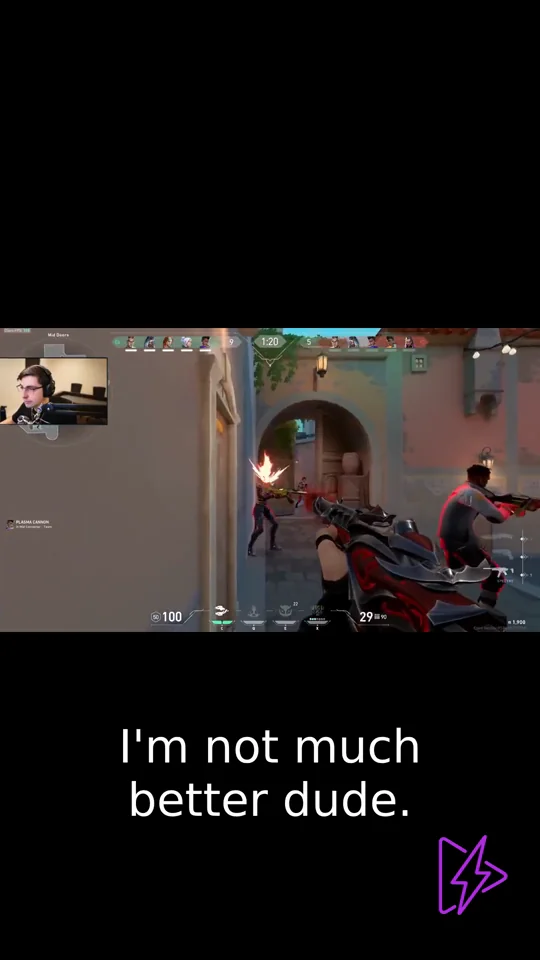
Featured Highlights
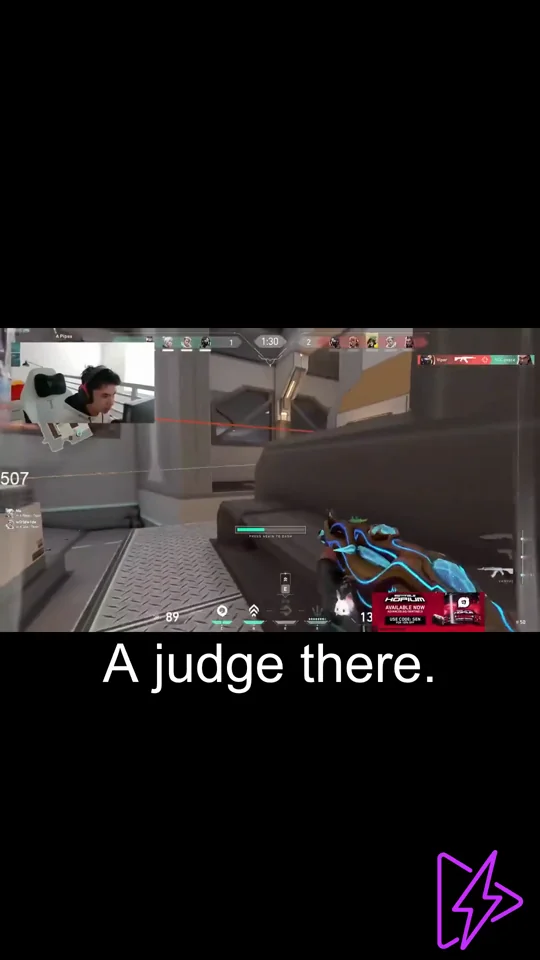
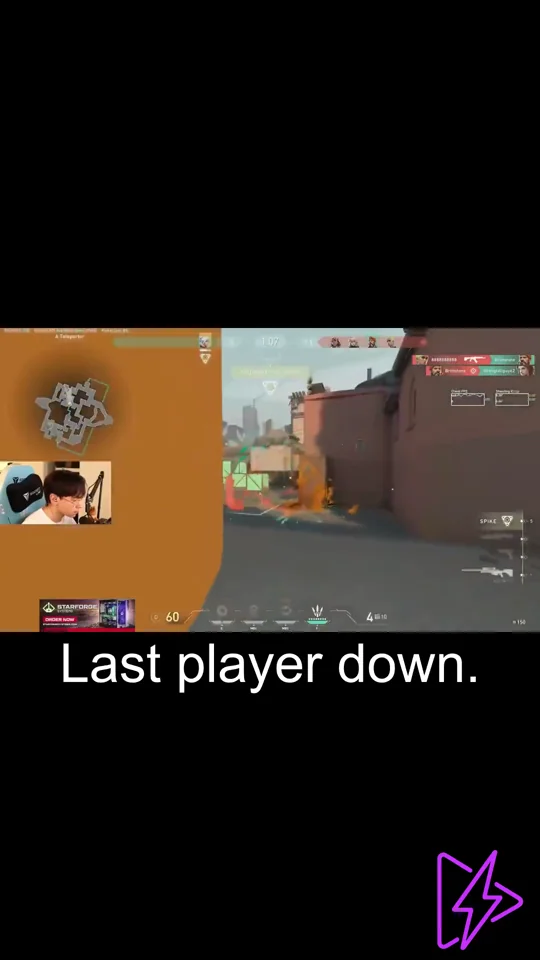
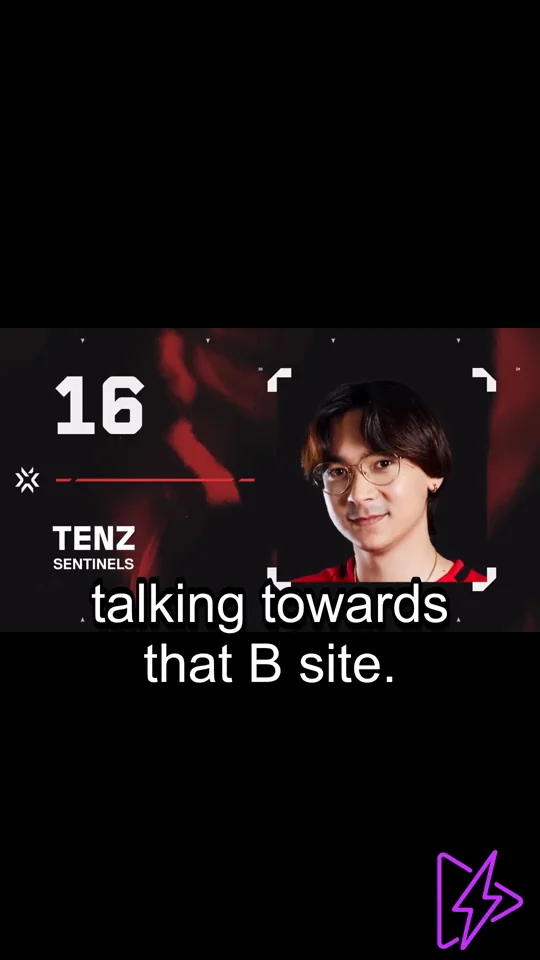
What You Get with FragCut
AI Highlight Detection
The AI analyzes your gaming videos and finds the best moments—kills, aces, clutches, and funny interactions.
Vertical Format
Converts your landscape footage to 9:16 vertical video for TikTok, Reels, and Shorts.
Auto Subtitles
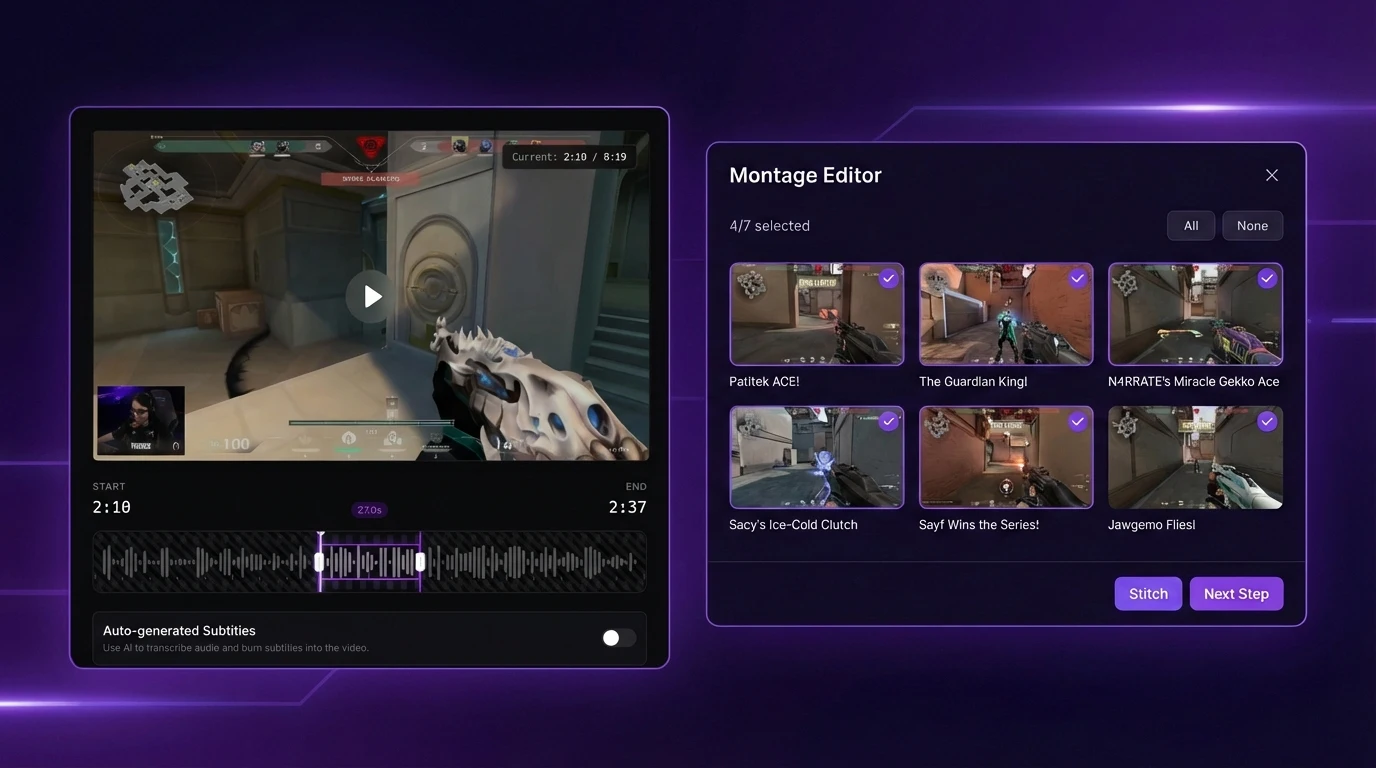
Speech-to-text subtitles are generated and burned into your clips. Works for viewers watching on mute.
Montage Maker
Stitch multiple clips together into one video. Drag to reorder, hit Auto Stitch, and create highlight compilations in seconds.
Fine-Tune Clips
Adjust start and end times with frame-level precision. Preview changes in real-time, right in your browser.
Multiple Clips Per Video
Get 5-8 clips from a single video. More content to post without extra effort.
From Raw Clips to Viral Stories
AI identifies the highlights, but you control the narrative. Refine edits, stitch clips, and batch produce content—all in one powerful dashboard.
AI-Powered Highlight Detection
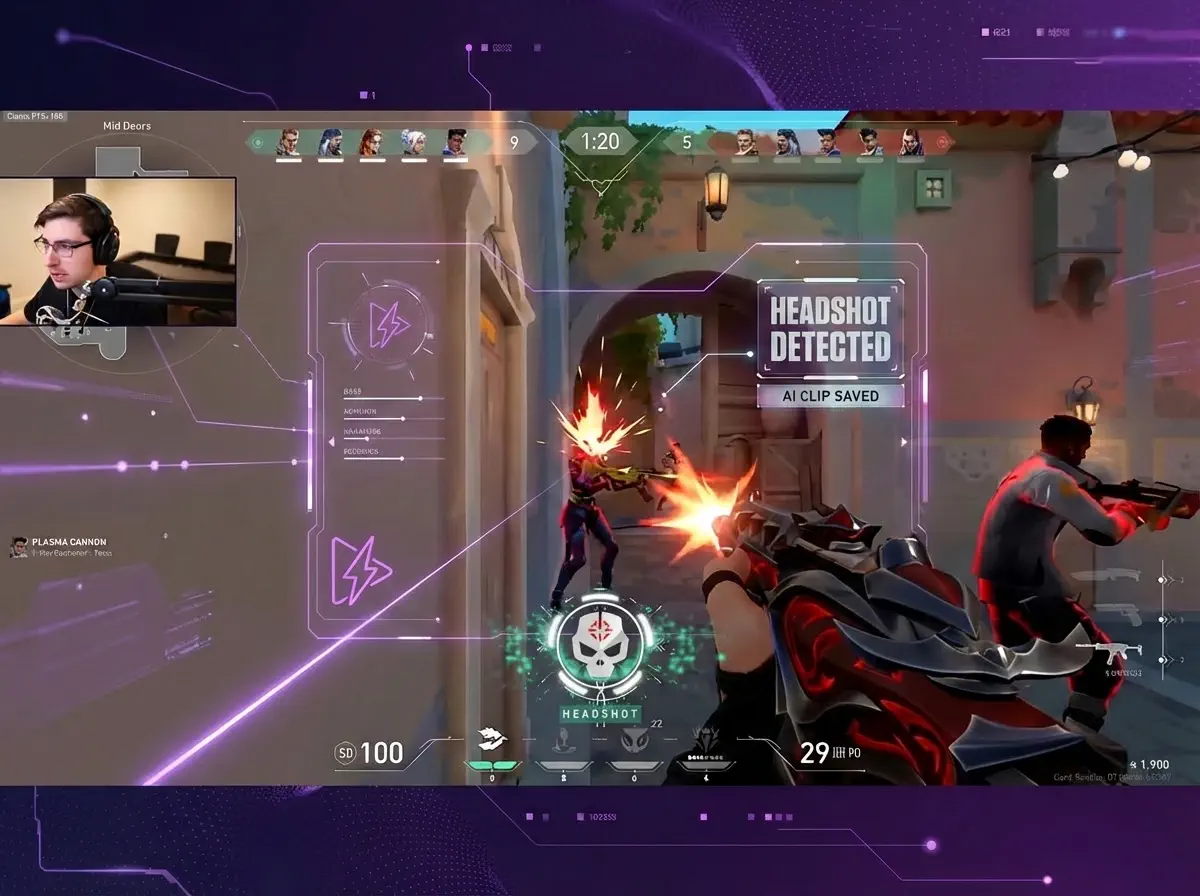
Detect Headshot Sequences
The AI finds your best headshot sequences and converts them to vertical clips for TikTok, Reels, and Shorts.
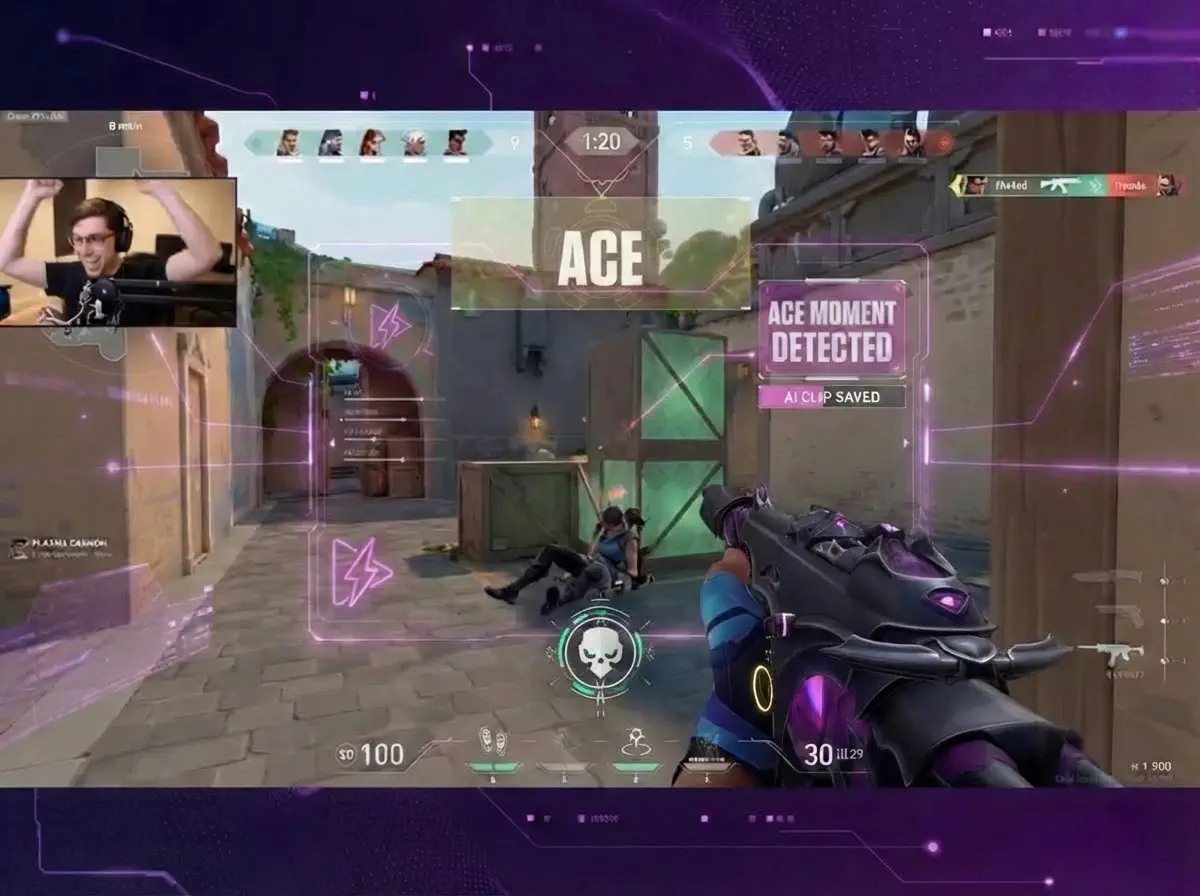
Capture Team Wipes
From first kill to ace, the AI cuts the full sequence into a montage for Shorts, Reels, and TikTok.
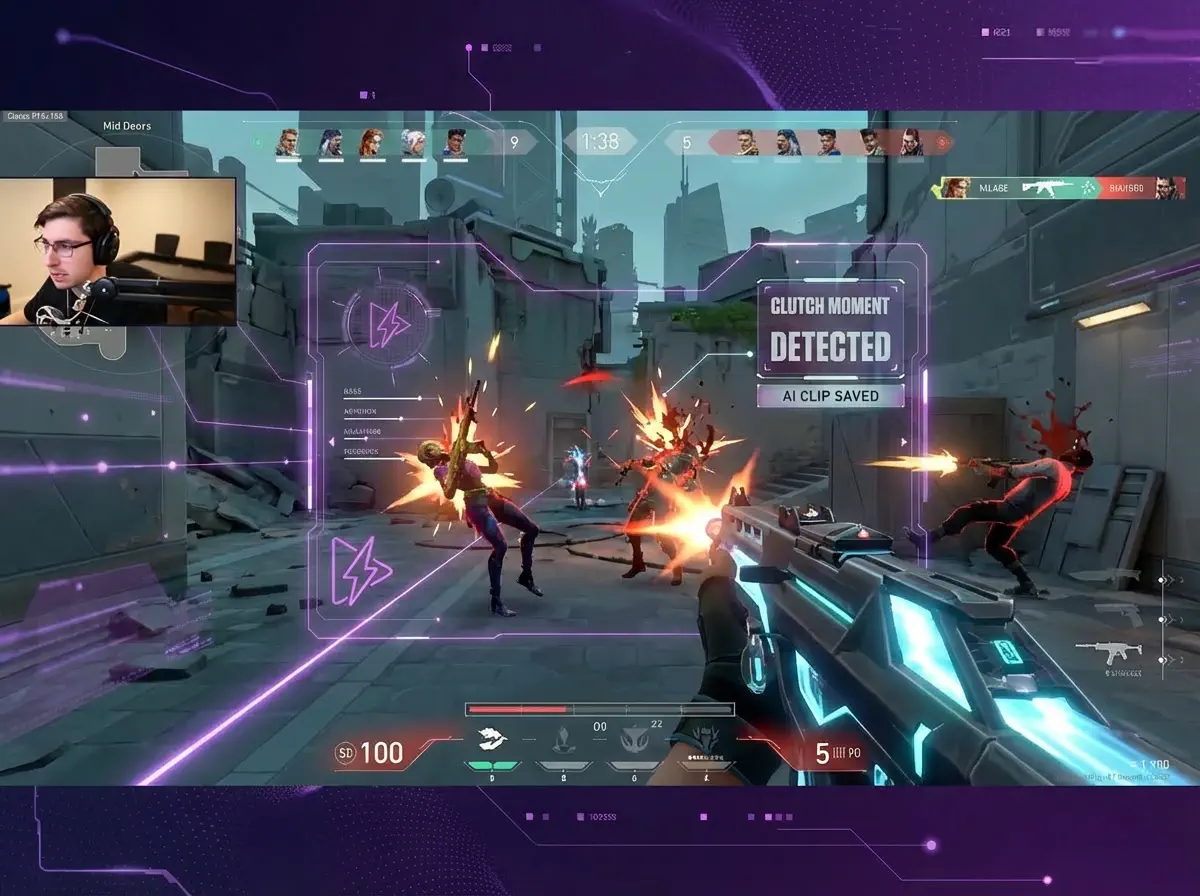
Find Clutch Rounds
1vX situations, low HP, ticking clock—the AI flags these rounds and cuts them into clips worth posting.
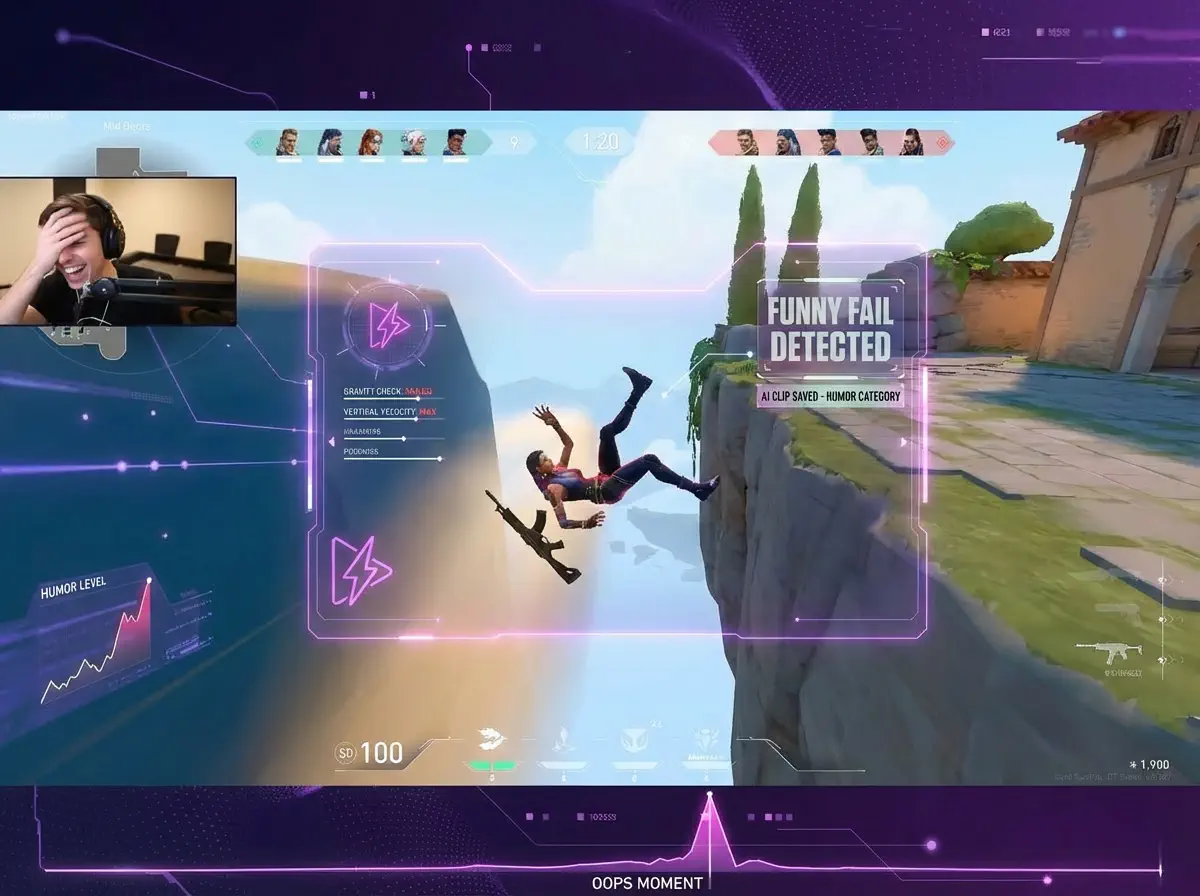
Catch Funny Moments
Whiffs, perfect timing fails, hilarious comms—the AI finds the chaos and packages it into clips people actually share.
From Stream to Socials in 3 Steps
Upload or Import
Upload video files (MP4, MOV, WebM, MKV) or paste a Twitch URL. Supports up to 4 hours of footage.
AI Finds Highlights
The AI analyzes your gameplay, finds highlight moments, and creates vertical clips for TikTok and Shorts.
Download and Post
Review your clips and download them. Post directly to TikTok, Shorts, and Reels.
Frequently Asked Questions
How does FragCut work?
What subscription plans do you offer?
Which games does FragCut support?
How long does video processing take?
Can I edit or customize the generated clips?
Is my content secure? Who owns the clips?
Who builds FragCut and how are product claims reviewed?
Can I cancel my subscription anytime?
Do I need to install any software?
Start Making Clips
Turn your VODs into ready-to-post clips.
Pick a plan. Cancel anytime.
AI clipping for any game
Works with any game