How to Clip Warzone on PC and Edit It for TikTok
A step-by-step PC workflow for recording Warzone gameplay and reframing it into vertical clips that still read clearly on TikTok.
If the Warzone footage is already sitting on your PC, editing it for TikTok comes down to three calls: which 15 to 40 seconds you keep, which slice of the 16:9 frame becomes your 9:16 window, and which HUD elements you rebuild after the crop. Export settings are the easy part.
Short version: capture at 1080p60 or better, trim so the first action beat lands inside the first two seconds, crop to a vertical window that follows your crosshair instead of the exact center of the screen, then paste the minimap or killfeed back in as scaled overlays only when they carry the story. Export at 1080x1920, H.264, under 60 seconds. The rest of this guide covers how to do each of those without ending up with a clip where nobody can tell what happened.
Prerequisites: what you need on the PC before you edit
You don't need a heavy editing suite for this. You do need source footage that survives a crop. A 720p recording looks fine on a monitor and falls apart once you zoom into 40 percent of the frame.
- Source footage at 1080p60 minimum. 1440p or 4K gives you more room to crop without softening the image.
- A capture tool with a replay buffer: OBS, NVIDIA app, AMD Adrenalin, or Xbox Game Bar. Warzone matches run long and you won't want to record all of it.
- Constant frame rate output. Variable frame rate recordings drift out of sync once you start cutting.
- An editor that can crop and reposition inside a vertical canvas. CapCut desktop, DaVinci Resolve, and Premiere all handle this.
- Roughly 10 GB of free disk per hour of 1080p60 capture at 40-50 Mbps.
If your best moments live inside past broadcasts instead of local files, you can pull them out of your Twitch VODs first and treat the exported file as your source. Everything after that is the same.
Step 1: record Warzone on PC without costing yourself frames
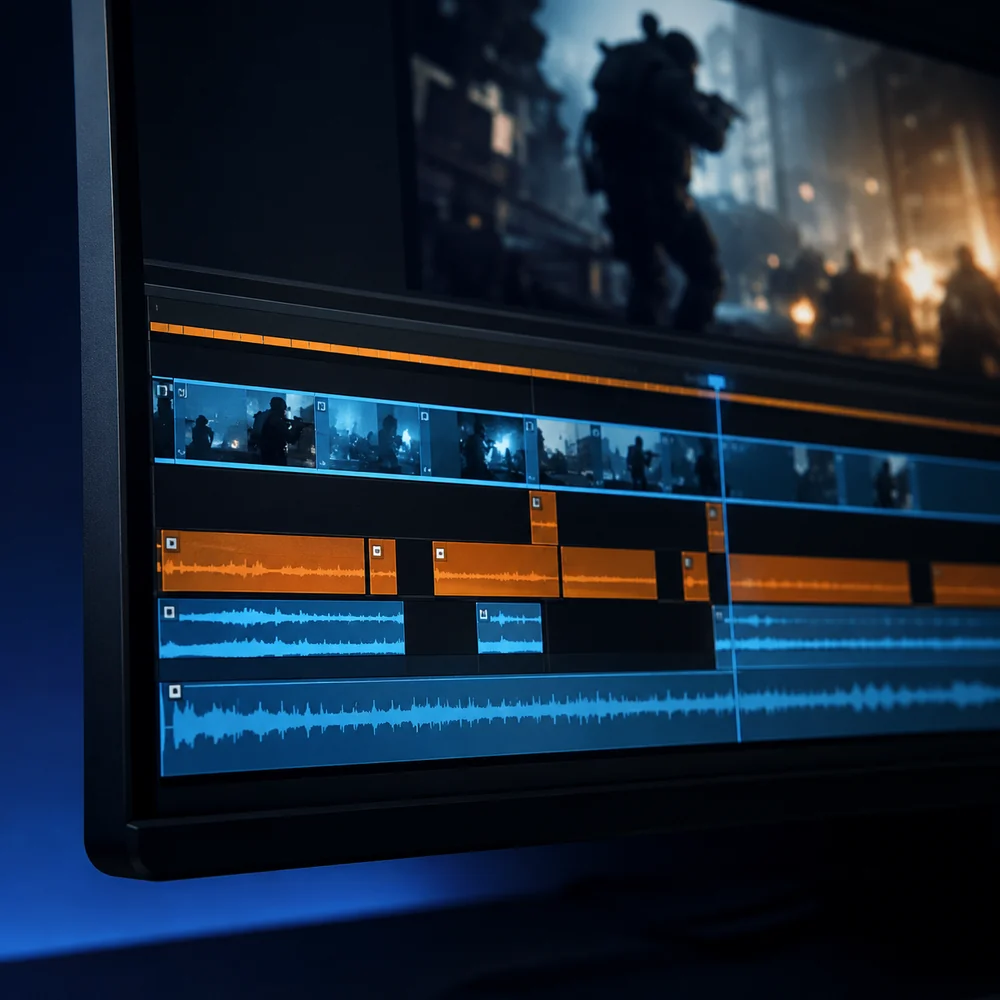
Recording every match end to end is the wrong default. A replay buffer holds the last 30 to 120 seconds in memory and writes a file only when you hit a hotkey, so you finish a session with 12 short files instead of four hours of dead rotation footage.
- Set the buffer to 60 seconds. Long enough to catch the approach to a fight, short enough that the file stays small.
- Use hardware encoding (NVENC on NVIDIA, AMF on AMD, Quick Sync on Intel) so the capture isn't fighting the game for CPU time.
- Bind the save hotkey to something you can hit mid-fight without opening a menu. A mouse side button beats F9.
- Record game audio and mic on separate tracks if your tool allows it. You'll want to mute one of them later.
- Cap the recording frame rate at your typical in-game frame rate, not above it.
The OBS knowledge base has current replay buffer and encoder settings if you're configuring this from scratch. If the performance hit is what worries you, the same tradeoffs we covered for clipping on PC without hurting your frame rate apply to Warzone, which leans harder on both CPU and VRAM.
Step 2: know what a 16:9 to 9:16 crop actually removes
A vertical crop of a 1920x1080 frame keeps roughly the middle 608 pixels of width, about 32 percent of the picture. Everything Warzone puts in the corners is gone by default, and the corners hold most of the information a viewer uses to follow the play.
| HUD element | Position in 16:9 | Survives a center crop? | What to do |
|---|---|---|---|
| Minimap | Top left | No | Rebuild as a scaled overlay in the top corner only if rotation or third-party position matters |
| Health and armor plates | Bottom center | Usually yes | Keep. It is the cheapest tension cue you have |
| Squad list and teammate status | Bottom left | No | Drop it unless the clip is about a clutch or a revive |
| Killfeed | Top right | No | Rebuild only for multi-kills, otherwise it is visual noise |
| Ammo and weapon | Bottom right | No | Drop it, or add a text label if the weapon is the point of the clip |
| Crosshair and hit markers | Center | Yes | This is why you crop around the crosshair, not the frame center |
| Players left counter | Top center | Yes | Keep. It sells late-game stakes for free |
The working rule: keep the crosshair and the health bar, rebuild at most two other elements, delete the rest. Every overlay you paste back in eats vertical space, and vertical space is what your subject needs.
Step 3: the vertical edit, in order
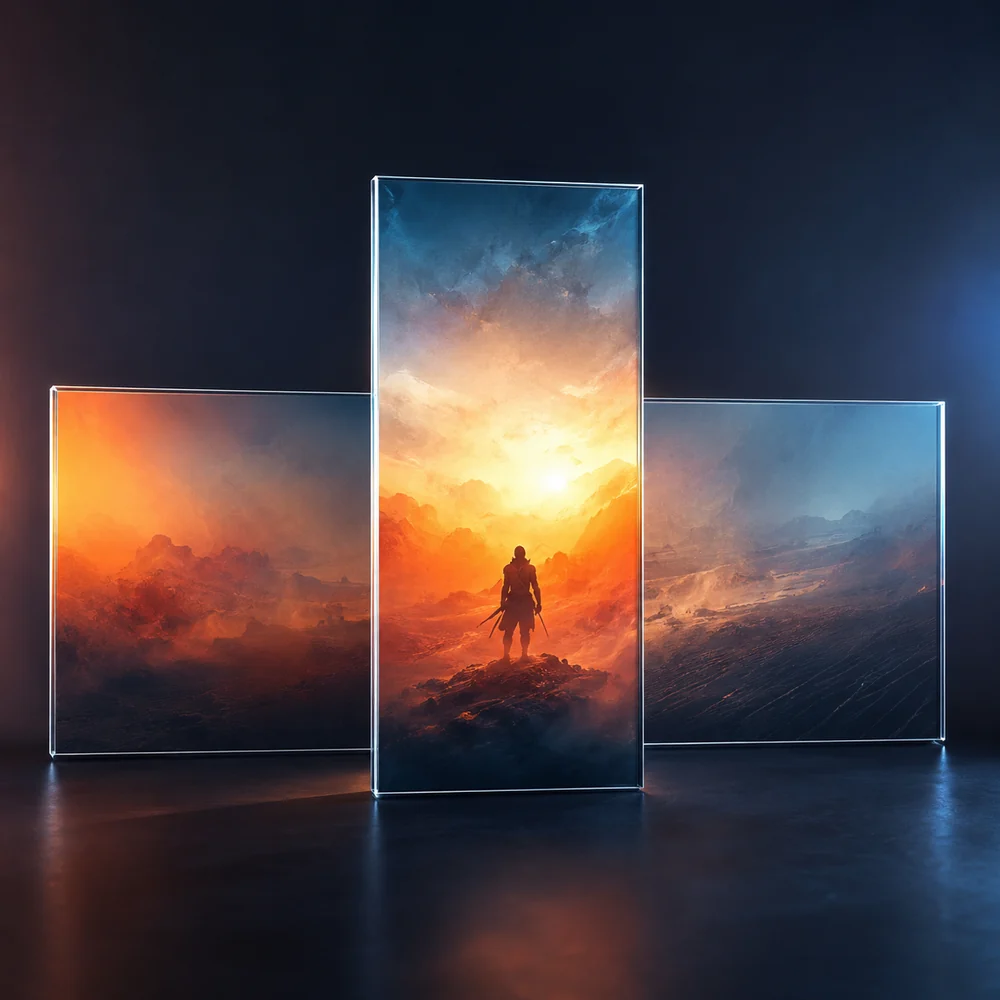
- 1. Create a 1080x1920 timeline. Don't edit horizontally and crop at export, or you'll misjudge framing the whole way through.
- 2. Drop the raw clip in and scale it so the width fills the canvas. You'll have gameplay in a band across the middle with empty space above and below.
- 3. Trim the front. Find the first frame where something is visibly happening and cut one second before it. Warzone clips almost always start too early.
- 4. Decide your crop mode. If the fight stays in one direction, scale up to fill the full vertical frame and reposition once. If you push through a building or spin between targets, keep the letterboxed band and fill the top and bottom instead.
- 5. Reposition around the crosshair. Move the frame so your crosshair sits at roughly 45 percent height rather than dead center. That leaves room to read what you're shooting at.
- 6. Add keyframes only when the action leaves the frame. Two or three position keyframes across a 25 second clip is plenty. Constant motion makes viewers seasick.
- 7. Fill the dead space if you letterboxed. A blurred copy of the gameplay behind the band works, or put your facecam on top and a caption block below.
- 8. Add captions for anything spoken. Most people watch muted, and Warzone callouts are unreadable without text.
- 9. Set the audio. Game audio around -12 dB, voice at -6 dB. Warzone gunfire will bury your mic if you leave both flat.
- 10. Export at 1080x1920, H.264, 30 or 60 fps, 8-12 Mbps.
If you do this weekly and the crop-and-reposition step is where the time goes, the Warzone clip workflow page covers handling the reframe and captioning automatically from an uploaded recording. It mostly pays off when you have a backlog rather than one clip.
Step 4: TikTok length, resolution, and export settings
TikTok accepts a wide range of files, but the safe target for gameplay is narrow. Match these and you avoid most of the re-encoding damage that turns Warzone smoke and foliage into mush.
| Setting | Recommended value | Why |
|---|---|---|
| Resolution | 1080x1920 | Native vertical, no upscaling on playback |
| Aspect ratio | 9:16 | Full-screen playback with no letterbox bars |
| Length | 15-40 seconds | Long enough for setup and payoff, short enough to loop |
| Frame rate | 60 fps if the source is 60 fps | Tracking shots and fast flicks read better |
| Codec | H.264, MP4 | Widest compatibility, least platform re-encoding |
| Bitrate | 8-12 Mbps | Enough headroom for high-motion gameplay |
| Audio | AAC, 128 kbps or higher | Keeps voice intelligible after compression |
Check the current TikTok video specifications before a big upload push, since file size and duration limits move around. The same 1080x1920 export also meets YouTube Shorts requirements, so one render covers both platforms as long as you stay under 60 seconds.
Mistakes that kill Warzone clips on TikTok
- Cropping to the geometric center. Your crosshair usually sits slightly off-center in gameplay, so centering the frame pushes the target toward the edge.
- Keeping the full HUD by shrinking the whole 16:9 frame into a small band. It preserves everything and makes all of it unreadable on a phone.
- Starting with 8 seconds of rotation. If the first two seconds have no movement, sound, or text hook, most viewers are gone.
- Uploading raw 16:9 with bars. TikTok will play it, but it fills about a third of the screen and reads as reposted content.
- Letting gunfire clip the audio. Warzone explosions peak hard, so normalize the game track before mixing in voice.
- Burning captions into the bottom 15 percent of the frame, where the TikTok interface sits on top of them.
- Re-exporting an already compressed export. Go back to the original recording for a new version.
What a finished clip should look like
A clip that works runs 15 to 40 seconds, opens on movement or a shot, keeps the crosshair and health bar visible throughout, and sits its captions high enough to clear the UI. Someone watching with the sound off should be able to say what happened: you won a 1v3, you hit a long shot, you survived a gas rotation with two plates left.
Show it to someone who doesn't play Warzone. If they ask what they were supposed to be watching, either the crop is wrong or the cut starts too early. That test catches more than any export checklist.
Troubleshooting
- Clip looks soft after cropping: your source was too low resolution. Record at 1440p so a 9:16 crop still lands near 1080p wide.
- Audio drifts out of sync toward the end: the recording used variable frame rate. Switch the capture tool to constant frame rate and re-record.
- Stutter in the exported file but not in the source: frame rate mismatch between timeline and clip. Set the timeline to match the source, then export.
- TikTok compression looks worse than your export: raise bitrate to 12 Mbps and skip heavy grain or motion blur filters, which compress badly.
- Frame drops while recording: switch to hardware encoding, lower the capture bitrate, or record to a different physical drive than the game install.
- Captions cut off on mobile: keep all text between 15 percent and 80 percent of the frame height.
- Clip feels slow even after trimming: cut the middle, not the ends. Warzone clips usually have a dead beat between the setup and the payoff.
FAQ
What is the best way to clip Warzone on PC?
Use a replay buffer instead of continuous recording. Set a 60 second buffer in OBS, the NVIDIA app, or AMD Adrenalin, turn on hardware encoding so the capture isn't stealing CPU from the game, and bind the save hotkey to a mouse side button. Press save once the fight ends, not during it.
How do I convert 16:9 Warzone footage to 9:16 without losing the HUD?
You can't keep the whole HUD, and shrinking the full frame into a vertical band makes all of it unreadable on a phone. Keep the crosshair, health and armor bar, and the players-left counter, which sit near the center and survive the crop. Rebuild the minimap or killfeed as scaled overlays only when they carry the story.
How long should a Warzone TikTok clip be?
15 to 40 seconds works best. That's enough for a setup and a payoff while still looping. If the clip seems to need 50 seconds, the problem is usually a dead beat in the middle rather than at the ends, so cut there first.
What resolution should I export Warzone clips at for TikTok?
1080x1920 in H.264 MP4 at 8-12 Mbps, 60 fps if your source was 60 fps. Record at 1440p or higher when you can, since a vertical crop only keeps about a third of the original width and a 1080p source goes soft after cropping.
Can I post the same vertical Warzone clip to TikTok, Shorts, and Reels?
Yes, as long as it stays under 60 seconds at 1080x1920. That export meets the current requirements for all three. Caption placement is the one thing worth adjusting per platform, since each interface covers a slightly different amount of the bottom of the frame.